

Without a working or proper driver, any hardware component is useless. Hardware will not work without installing proper or correct drivers on your PC, for instance, the display adapter, the network or ethernet card, the WiFi adapter, the USB ports, etc. Over the internet, so many driver updating software are available, for instance, Snappy Driver Installer, DriverBackup, Double Driver, and DriverMax. Microsoft also ships updated drivers with every Windows 11/10 update, but that is not sufficient to keep your computer or laptop updated; that’s why there is an option available to stop the automatic update on Windows 10.
We don’t recommend stopping the automatic update drivers that ship with Microsoft with every Windows 11/10 update, but you can do the same with built-in options if you want to stop. Once you decide to stop Windows 11/10 automatic driver updates, you should use a third-party tool to keep your computer or notebook updated.
If you want to keep your PC working at optimal speed, you should opt for a good-quality application, either free or paid. At gearupwindows.com, we only prefer to share a freeware tool. In this direction, IObit Driver Booster is another software that we recommend using to keep your PC drivers updated without any hassle.
Why iObit Driver Booster Free?
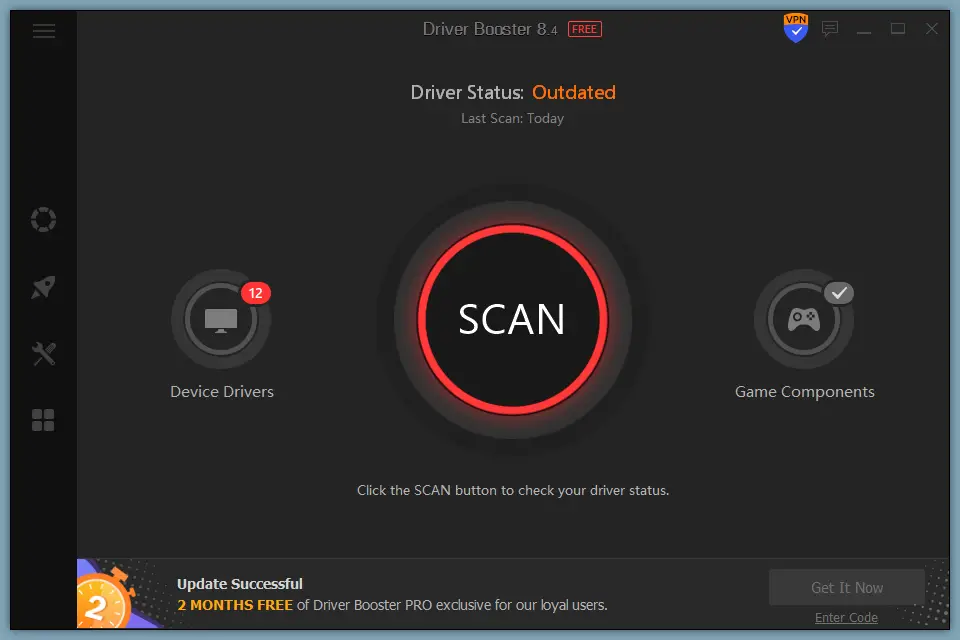
As you can read the name of the software IObit Driver Booster Free, you know what I want to convey to you. It is a freeware tool and is exclusively available for use on Windows PC. It is compatible with Windows 11, 10, 8.1, 8, 7, Vista, and Windows XP. That means you can use it on any Windows operating system from Windows XP to Windows 11. It supports both 32-bit and 64-bit architectures.
Let it be you are suffering from bad resolutions or poor sound quality on your PC, only a driver update is the solution. When we talk about driver updates, you can imagine the popular software IObit Driver Booster. Display resolution and bad sound quality are the main reasons for outdated display adapters and missing sound card drivers.
You can imagine that the IObit Driver Booster stores a database for more than 3,500,000 device drivers and game components to gear up the PC performance. All the stored drivers on the IObit database come from the official manufacturers’ websites and have passed both the Microsoft WHQL (Windows Hardware Quality Labs) test and the IObit test to ensure authority and security.
Scan and Update
You can scan for outdated drivers on your PC by clicking on the SCAN button on the IObit Driver Booster home screen. It will check each component driver’s version, match the database, and represent a list of the device that needs an update or are up-to-date. You can update all the outdated drivers or selected device drivers at once.
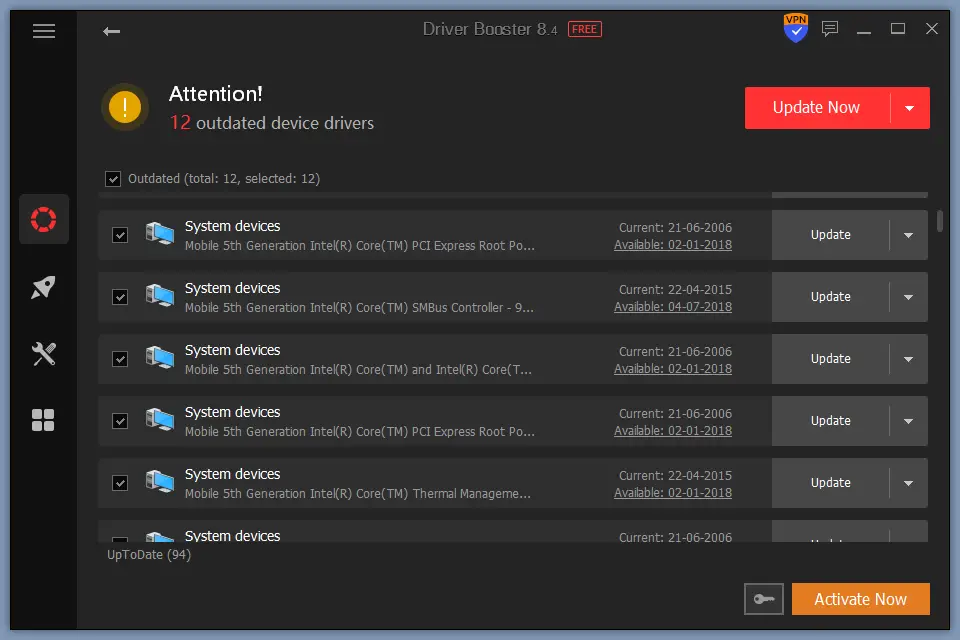
Depending on the selection, it will download the required drivers and install them on your PC. If you have too many hardware drivers to update, you can select the option “Automatically reboot PC” or Automatically shut down PC” to restart or shut down your computer after completing the updates.
One should note that this tool also creates a system restore point for you before updating the driver.
Tools
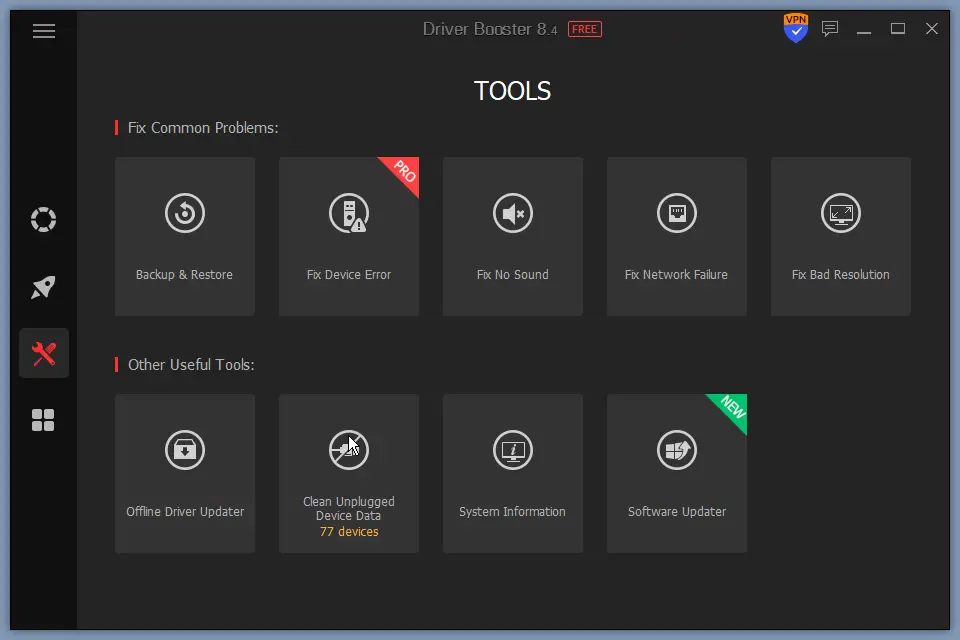 iObit Driver Booster lets you fix no sound problems, network failure, and bad resolution in a single click. There is also an option available to clean all plugged device data. Further, by clicking on the “System information” button, you can see your PC’s hardware details.
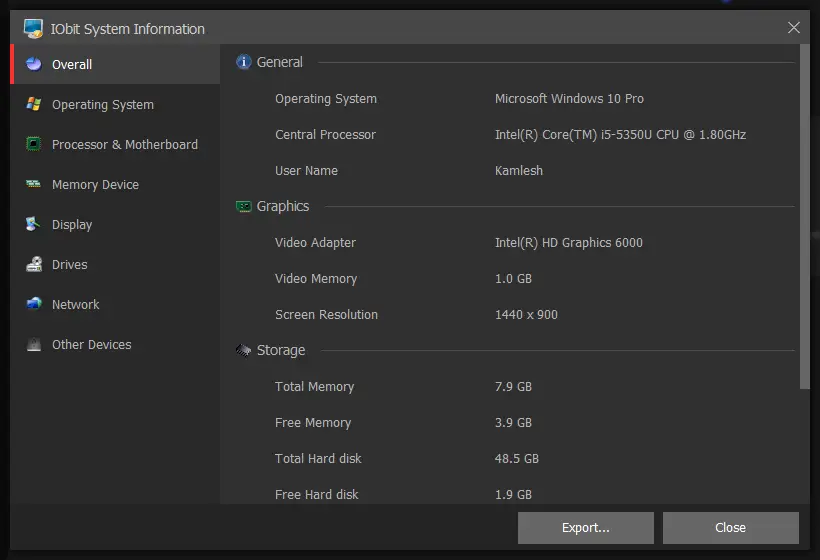 The tool features an option to export the system information in an HTML file, which you can share with someone else or keep on your PC for future reference.
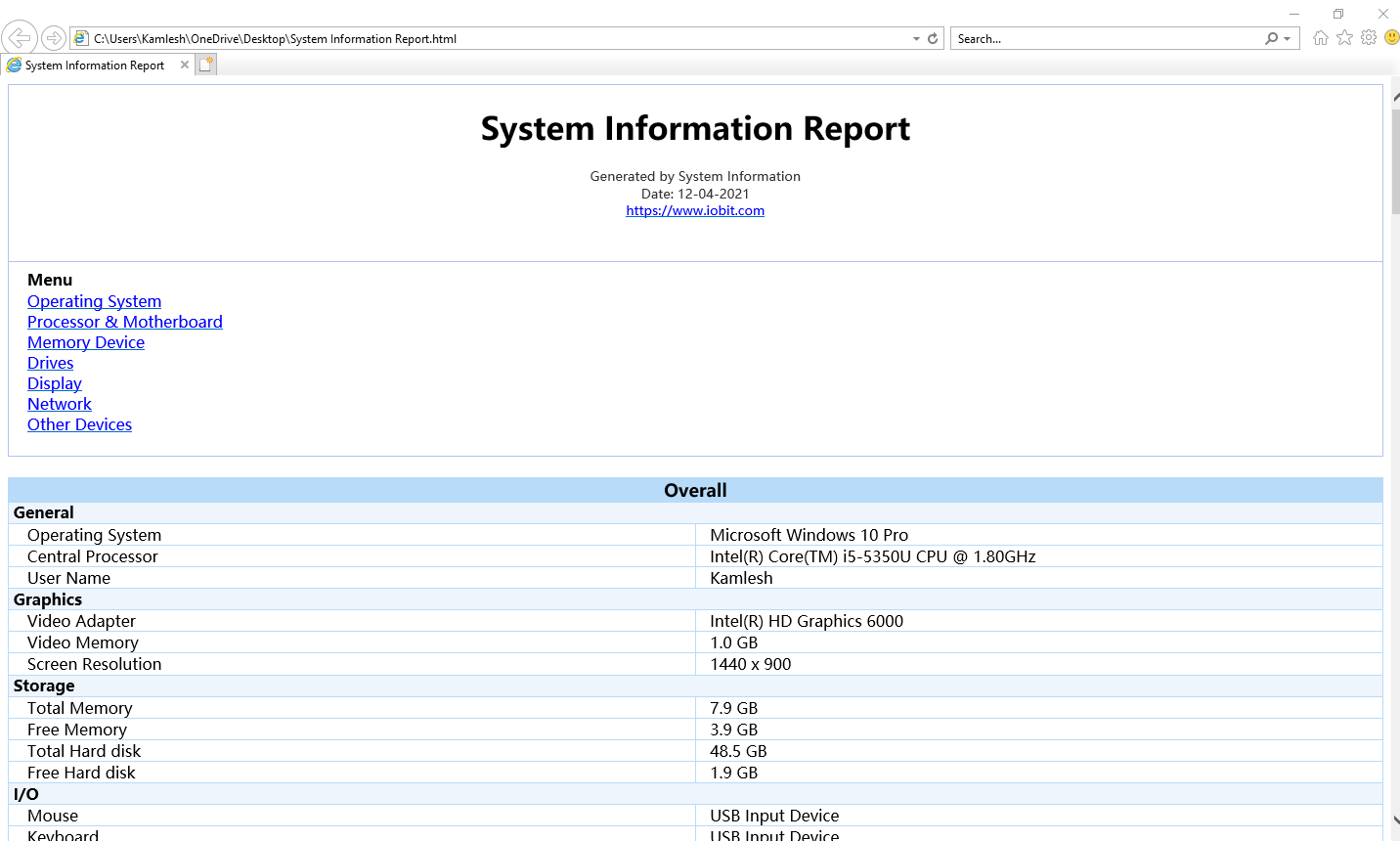
In the System Information report, you can see the details of the operating system, processor, graphics adapter, screen resolution, RAM (Memory), storage, mouse, keyboard, motherboard, BIOS (Basic Input Output System), hard disk make, hard disk size, WiFi, Ethernet, etc.
Download IObit Driver Booster Free
Once you find it useful for you, you can download it from its official website.
Final Thoughts
When you run IObit Driver Booster, it keeps advising you to install the in-house products; that is not irritating, as they are not pop-ups. If you can ignore the advertisement on this tool, it is one of the best software programs available for free to keep your PC drivers updated. Furthermore, it is compatible with 32-bit and 64-bit operating systems, including Windows 11, 10, 8.1, 8, 7, Vista, and XP.
For a limited period, IObit is providing a free license for IObit Driver Booster Pro.