

Windows 11 is Microsoft’s latest operating system and the successor to Windows 10. It features a modern interface and several improvements that boost usability and performance. To fully enjoy your system, you should install essential and optimized software.
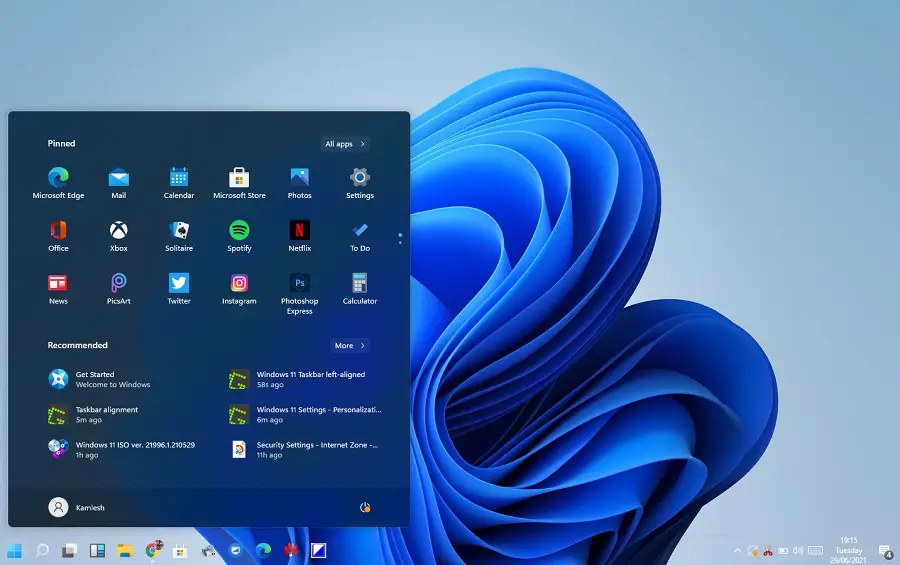
Microsoft has added many new features in Windows 11. When the OS launched, a preview version was made available to testers. Users can expect the following updates in Windows 11:
- A simplified and modern user interface
- Support for running Android apps
- Improved Windows Store with more apps
- Enhanced security—the most secure Windows yet
- Free upgrade for existing Windows 10 users
- Gaming enhancements and optimizations
Once you install Windows 11 or 10, it’s important to download the right apps to boost productivity. Doing this manually from multiple websites can be time-consuming. Essential tools like Chrome, VLC, and Adobe PDF must be installed one by one.
Top 10 Essential Software (Free and Paid) for Windows 11 and 10
1. Google Chrome – Best Browser for Windows
Google Chrome is a fast and versatile browser that’s highly compatible with most websites. Unlike the default Microsoft Edge, Chrome supports a wide range of extensions from the Chrome Web Store. It syncs bookmarks, history, and settings across devices when signed in with a Google account.
Pros: Fast, secure, cross-platform support
Cons: High memory usage
2. PowerDVD – Best Media Player
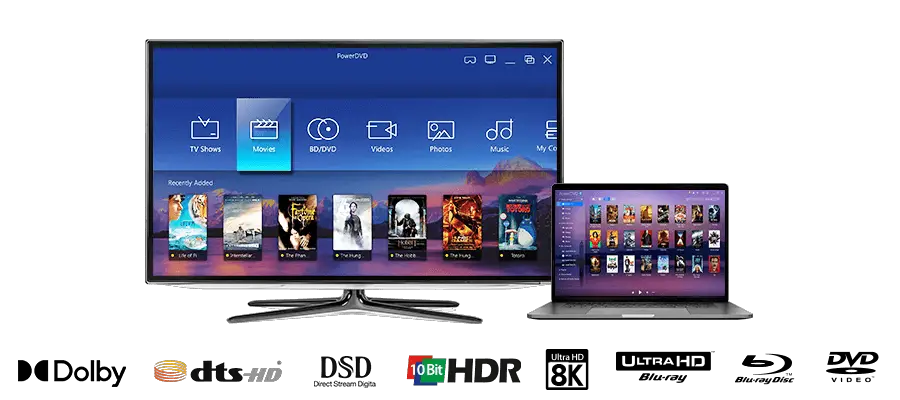
PowerDVD is ideal for playing DVDs, Blu-rays, and even 8K video. It provides a cinematic experience on your desktop. With features like TrueTheater enhancements, it improves video and audio quality for the best playback.
Pros: 8K support, media library
Cons: Paid software
3. Kaspersky – Best Antivirus Protection
Kaspersky Total Security offers more than Microsoft Defender with features like parental control, VPN, and a password manager. It’s one of the highest-rated antivirus solutions for real-time threat detection.
Pros: Advanced features, low system impact
Cons: Subscription required
4. PowerDirector – Best Video Editing Software

PowerDirector is designed for beginners and pros alike. It offers keyframing, transitions, and advanced editing tools. It’s great for creating YouTube videos or professional presentations.
Pros: Easy UI, supports 360° video
Cons: Premium features cost extra
5. Grammarly – AI Writing Assistant
Grammarly helps correct grammar, spelling, and tone across apps like Word, email, and browsers. It’s perfect for students, professionals, and bloggers who want error-free writing.
Pros: Real-time corrections, tone suggestions
Cons: Advanced features need premium
6. 7-Zip – Best File Archiver

7-Zip is a lightweight, open-source compression tool. It supports ZIP, RAR, TAR, and more formats with high compression ratios and integrates seamlessly with Windows Explorer.
Pros: Free and open-source
Cons: Basic UI
7. CCleaner – PC Cleanup Utility
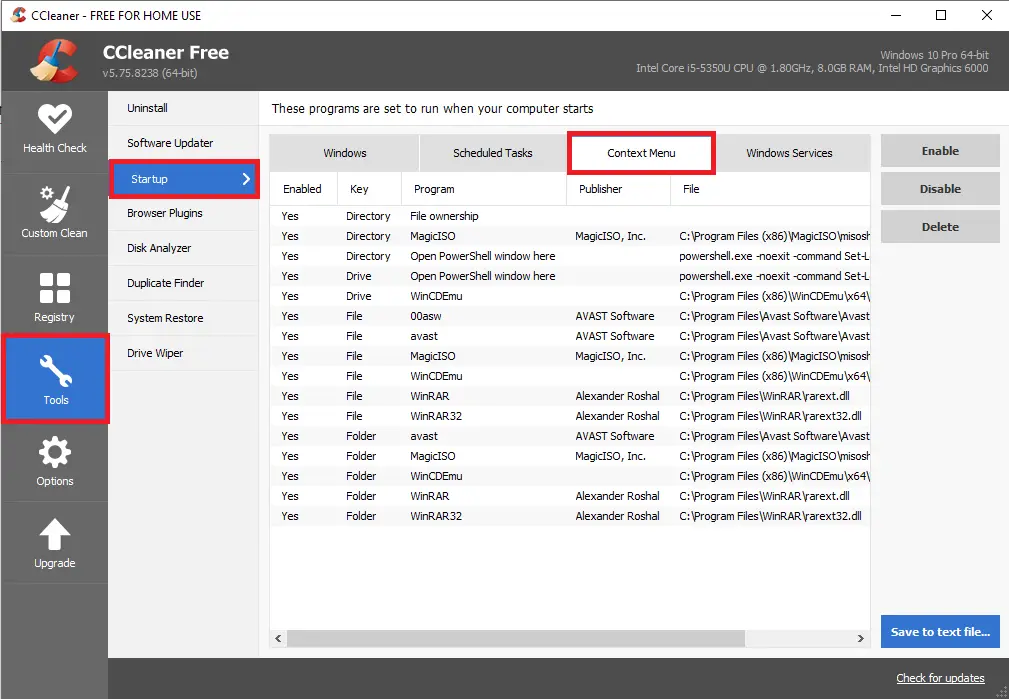
CCleaner removes junk files, cleans the registry, and improves boot times. It also includes a software updater and privacy protection tools.
Pros: Easy to use, fast cleaner
Cons: Optional extra software during install
8. Office Suite – Document Editing Tools
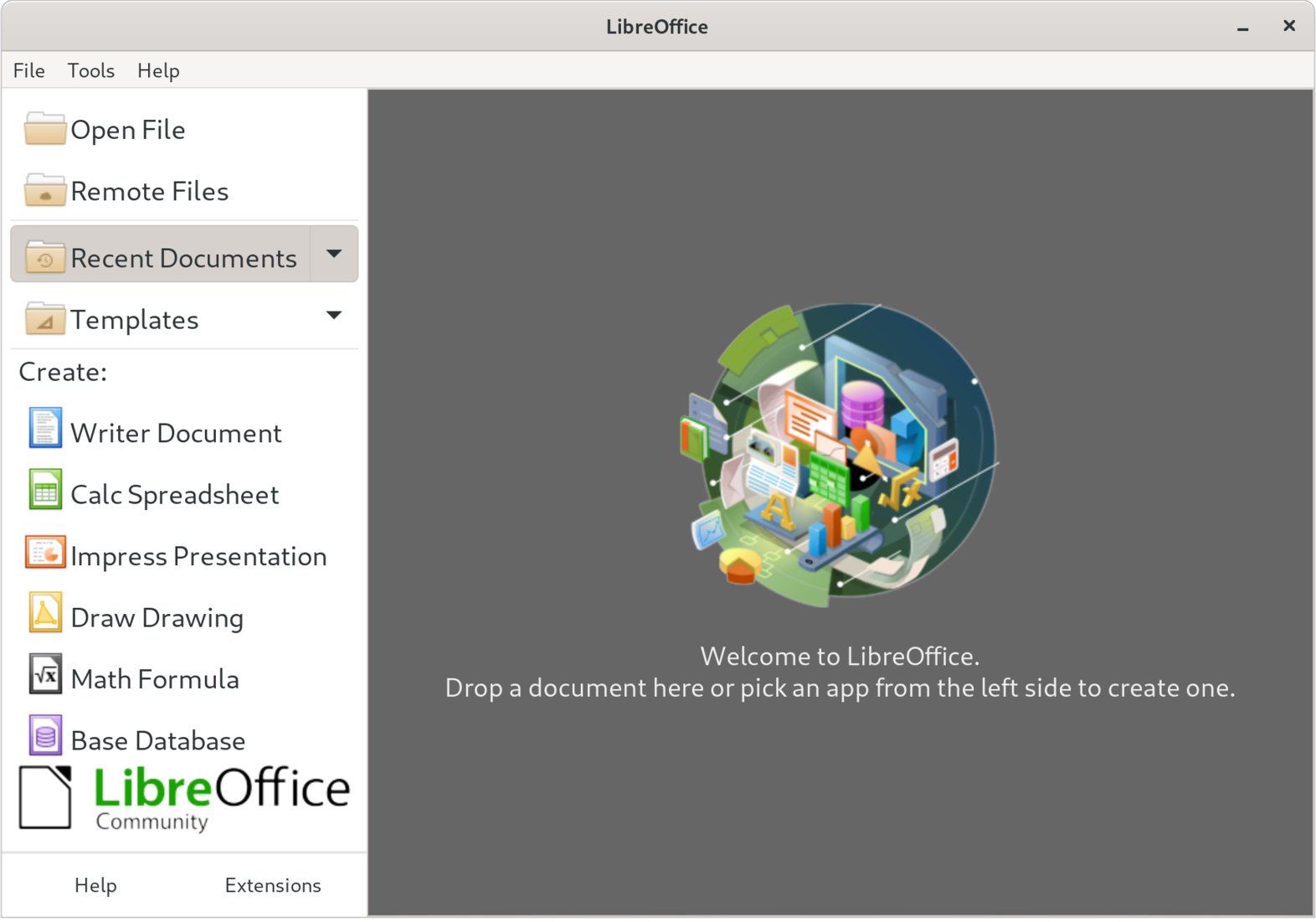
Microsoft Office remains the gold standard, but WPS Office and LibreOffice are strong free alternatives. These support Word, Excel, and PowerPoint file types for full compatibility.
Pros: Feature-rich, Office file support
Cons: Slight UI learning curve in alternatives
9. ShareX – Best Free Screen Capture Tool
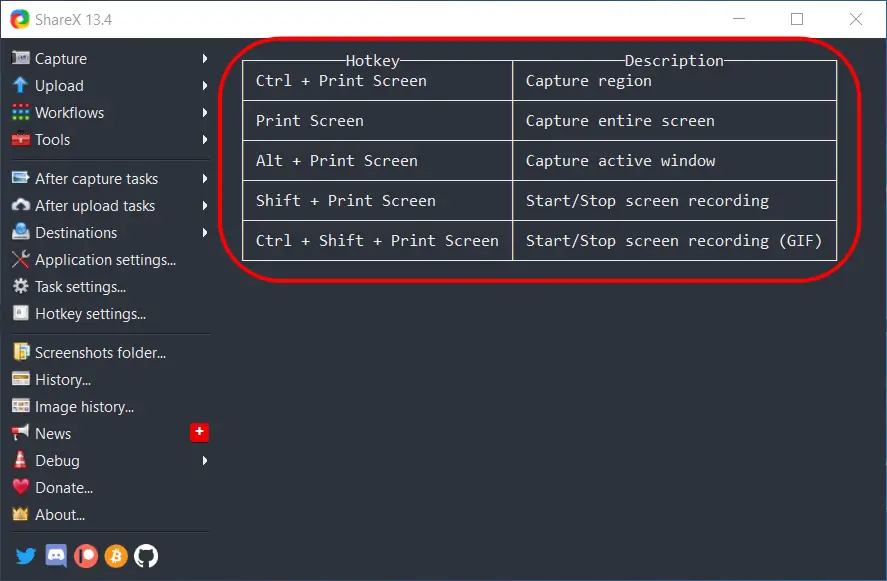
ShareX captures screenshots, screen recordings and includes annotation tools. It supports scrolling captures and multiple output formats.
Pros: Free, open-source, feature-rich
Cons: Slight learning curve
10. IDM – Best Download Manager
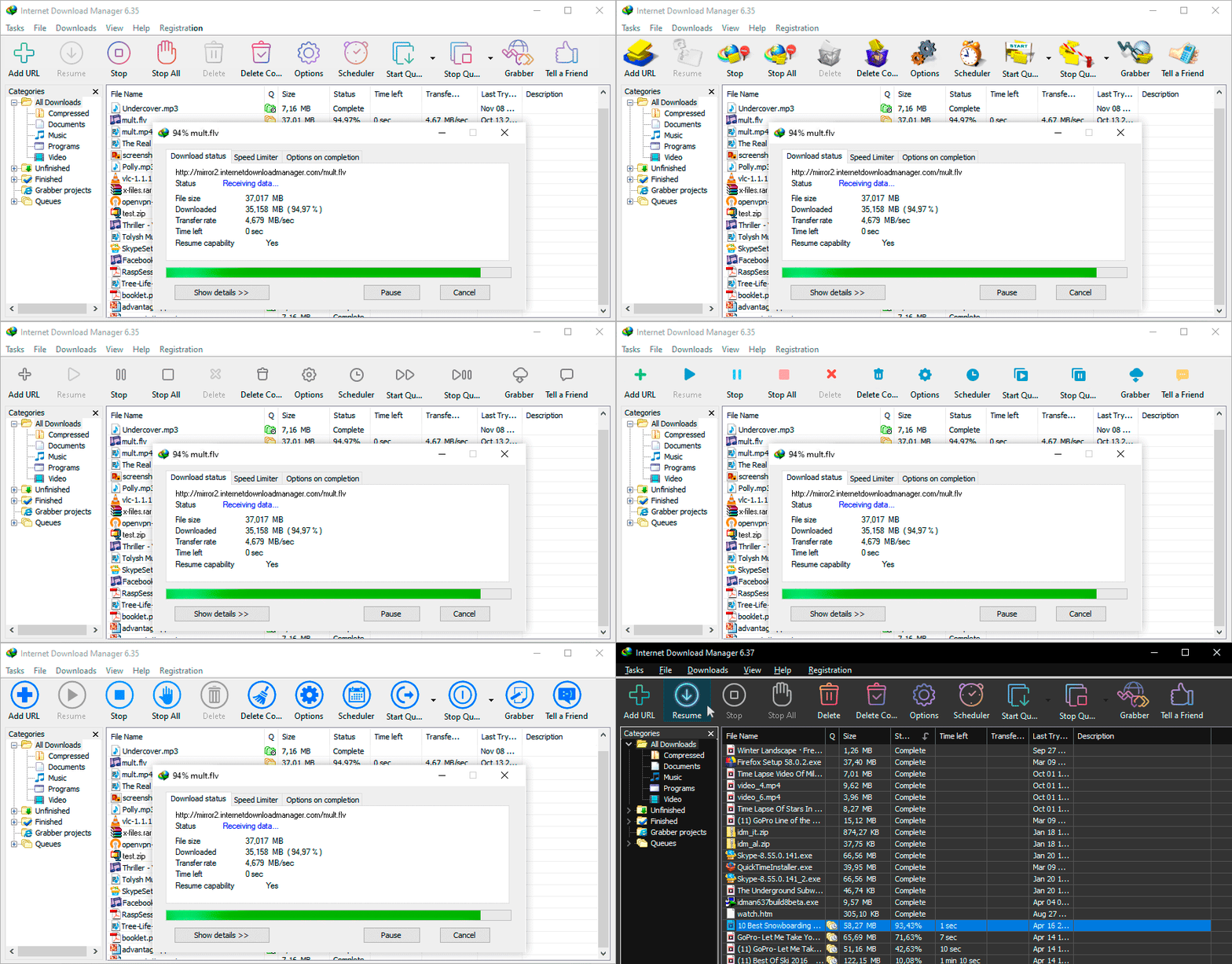
Internet Download Manager (IDM) speeds up downloads with resume support and browser integration. It detects downloadable media on web pages and manages file queues efficiently.
Pros: Download acceleration, video grabber
Cons: Paid license after trial
Conclusion
Installing the right software is crucial for getting the most out of your Windows 11 or 10 system. Whether you’re focused on productivity, security, or media, the apps listed above are reliable choices. Pick the ones that best match your needs and enjoy a smoother computing experience.
FAQ
Which software should I install first on Windows 11/10?
Start with a web browser like Chrome, antivirus protection, and an Office suite.
Is Microsoft Defender enough for virus protection?
Yes, it covers basic needs. For advanced features, consider Kaspersky or Bitdefender.
Are there free alternatives to Microsoft Office?
Yes, both LibreOffice and WPS Office are free and compatible with Office formats.
HiFile is the best file manager… it really boosts the productivity when working with files and folders.