

Windows 11 and 10 come with a built-in program uninstaller, but sometimes it doesn’t completely remove all the files and registry entries associated with a program. This can lead to cluttered storage, slower system performance, and even compatibility issues with other software. That’s why having a reliable third-party uninstaller program is essential.
In this gearupwindows guide, we’ll show you the top 10 best free uninstaller programs for Windows 11 and 10.
Best Free Uninstaller Programs for Windows
IObit Uninstaller
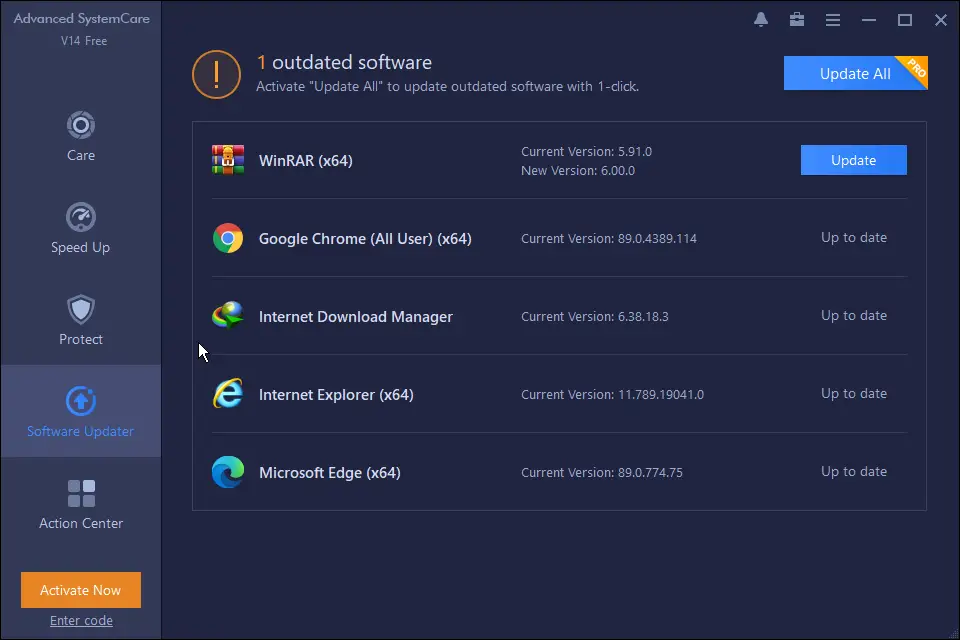
IObit Uninstaller is a popular and feature-rich uninstaller that removes unwanted programs, plug-ins, and Windows apps. It includes a powerful scanning engine that detects and deletes leftover files, folders, and registry entries. It also supports batch uninstallation, allowing you to uninstall multiple programs at once.
Revo Uninstaller
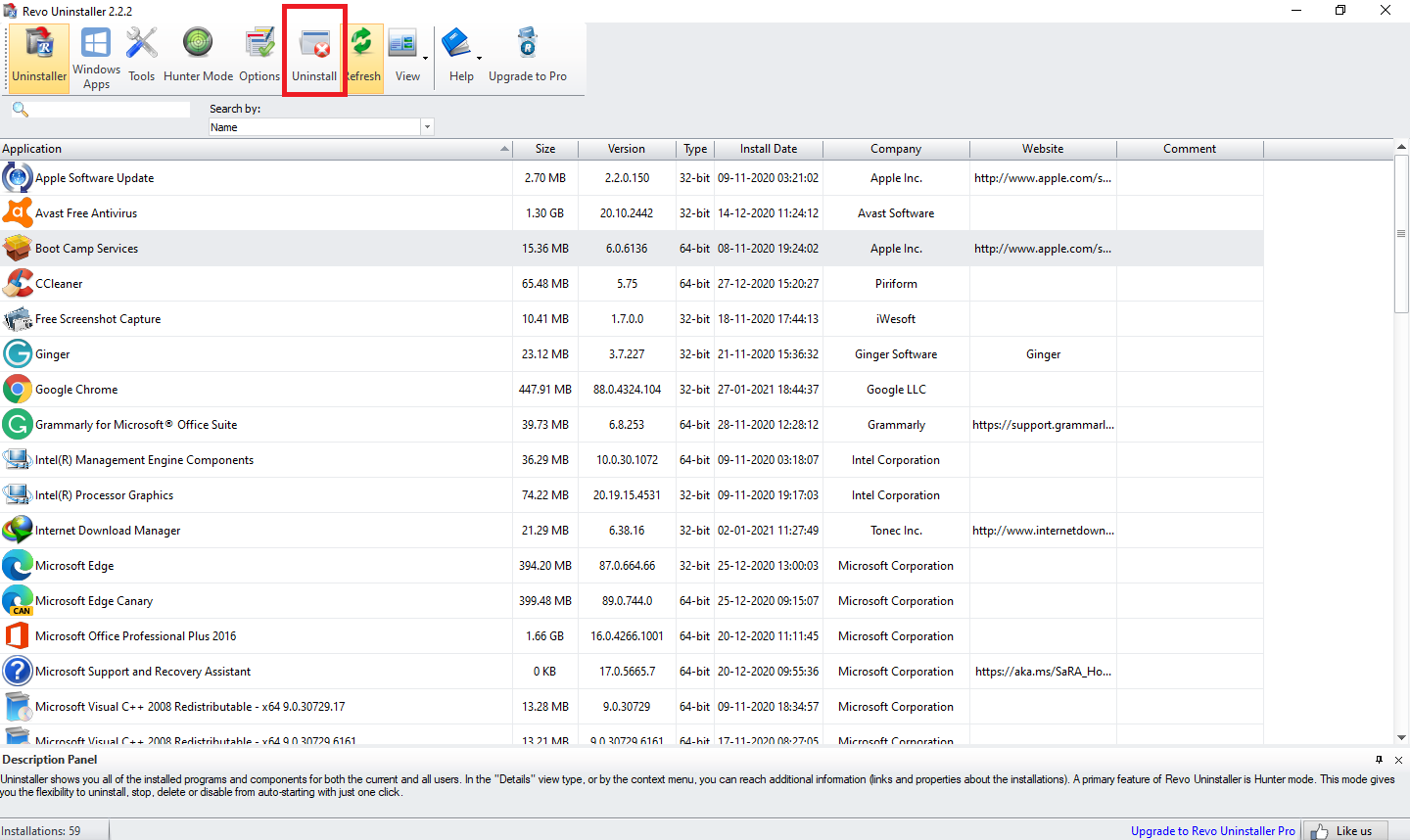
Revo Uninstaller is a well-known program that has been trusted for years. It can remove software, Windows apps, and browser extensions. It’s Forced Uninstall feature handles stubborn programs effectively. Revo also offers real-time monitoring of installations, making cleanup easier later.
Geek Uninstaller
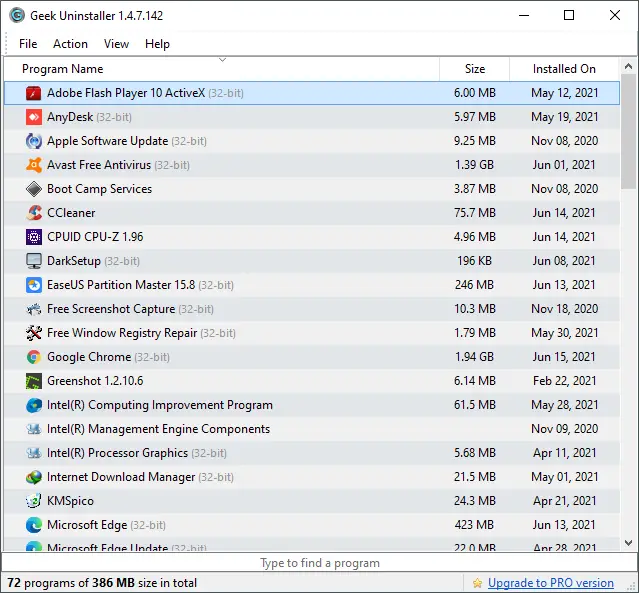
Geek Uninstaller is a lightweight and portable program that removes installed software and Windows apps. With its clean interface, it’s easy to use. The Force Removal feature helps remove broken or partially uninstalled programs.
Ashampoo Uninstaller
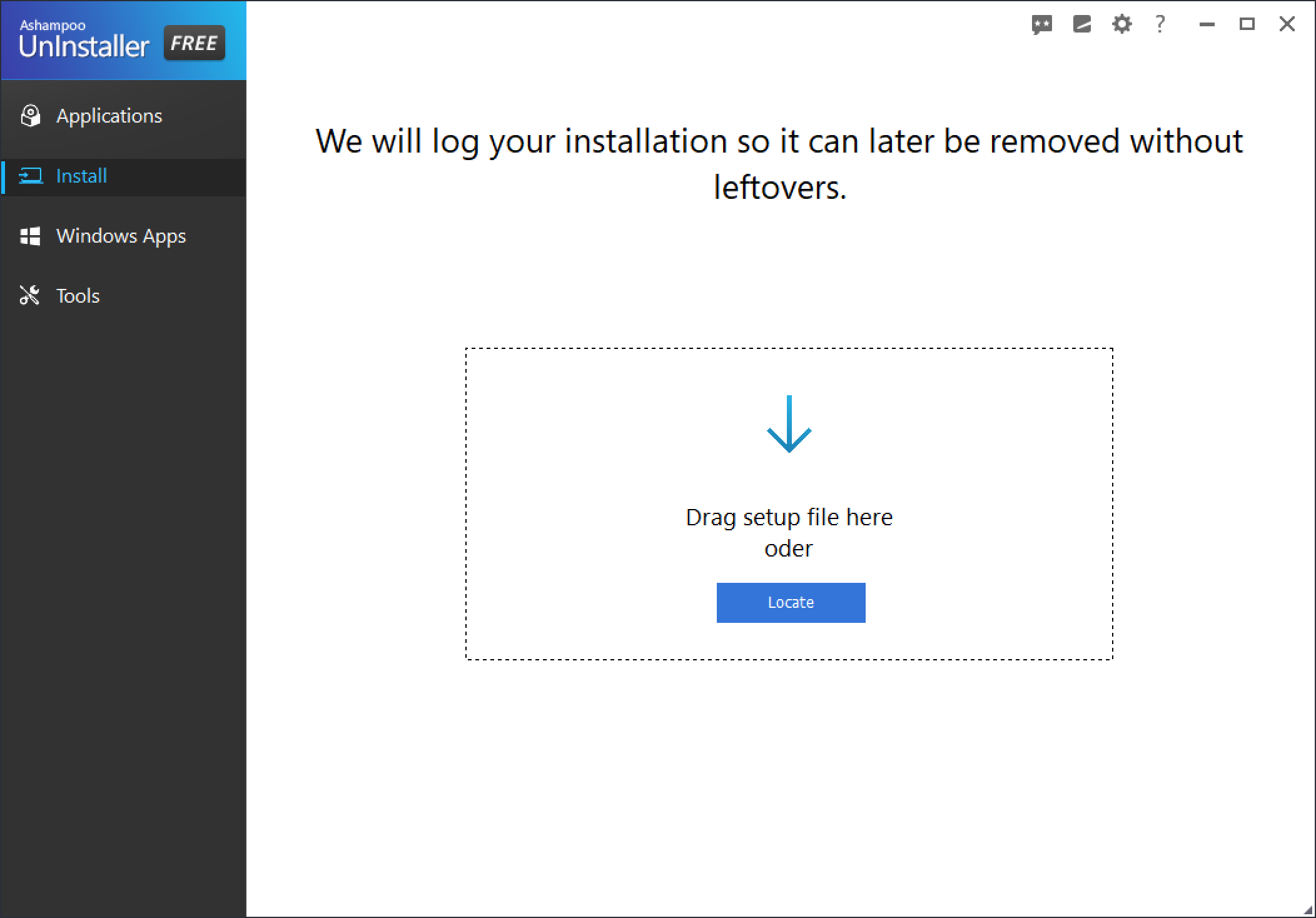
Ashampoo Uninstaller is a powerful tool for removing software, apps, and browser extensions. It features a smart scan engine that detects leftovers. The Snapshot feature lets you compare your system before and after installations, so you can roll back changes if needed.
Bulk Crap Uninstaller
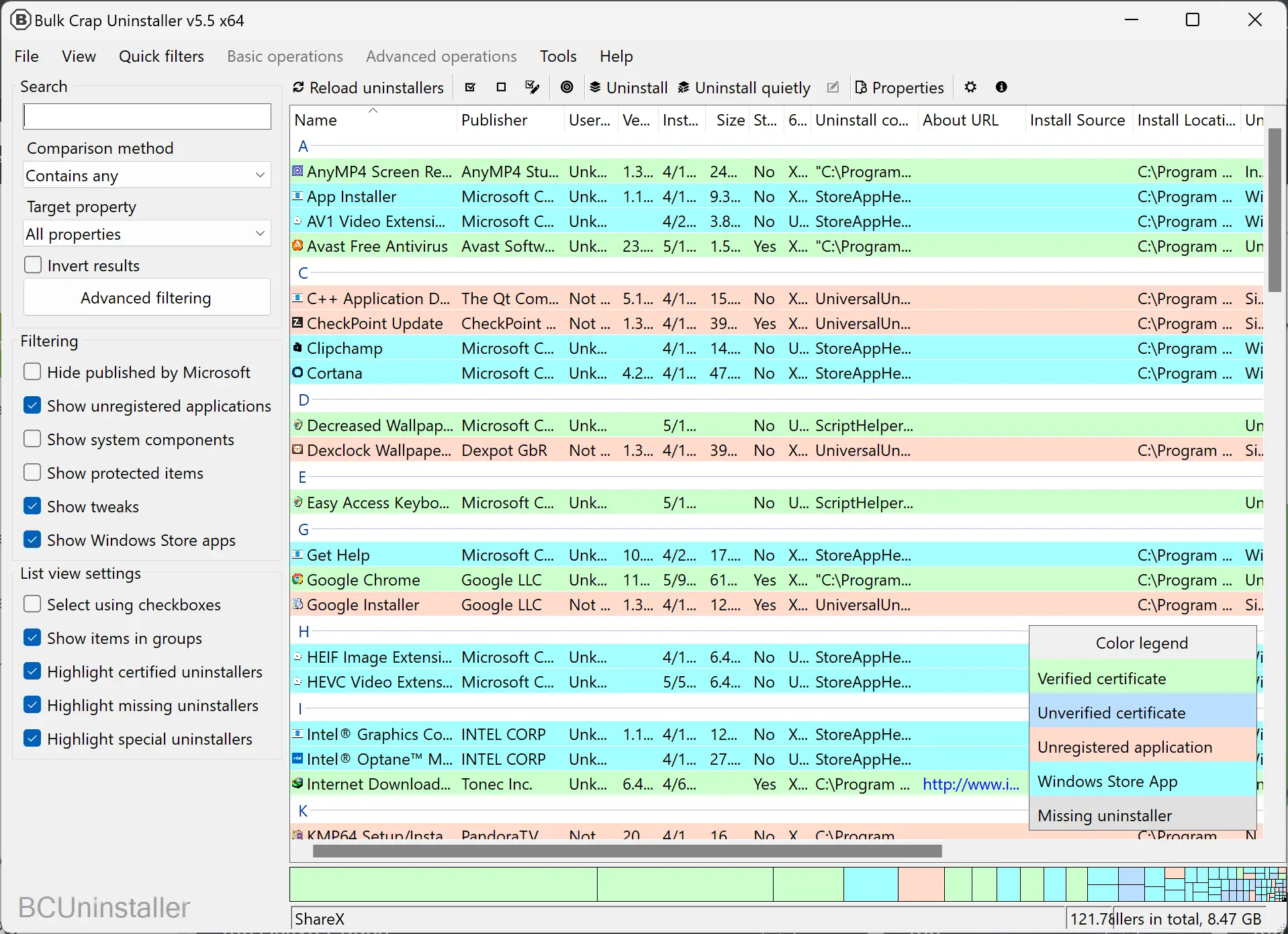
Bulk Crap Uninstaller is a free and open-source tool that removes apps, features, and traditional programs. It supports batch uninstalls and deep scanning for leftover files. Its filtering system helps you sort programs by size, install date, and more.
Wise Program Uninstaller
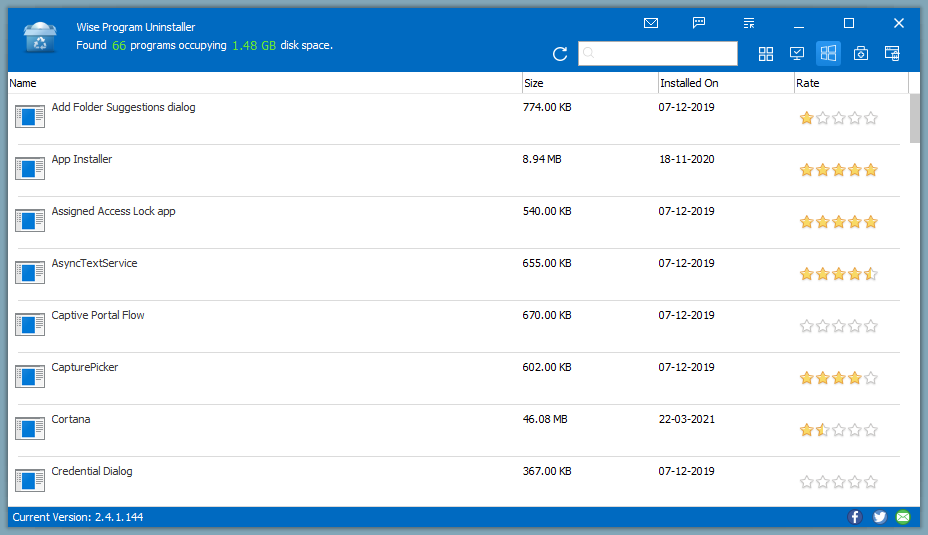
Wise Program Uninstaller is simple and user-friendly. It supports Force Uninstall for stubborn apps and offers batch uninstallation. It also creates a System Restore Point before removing software for added safety.
CCleaner
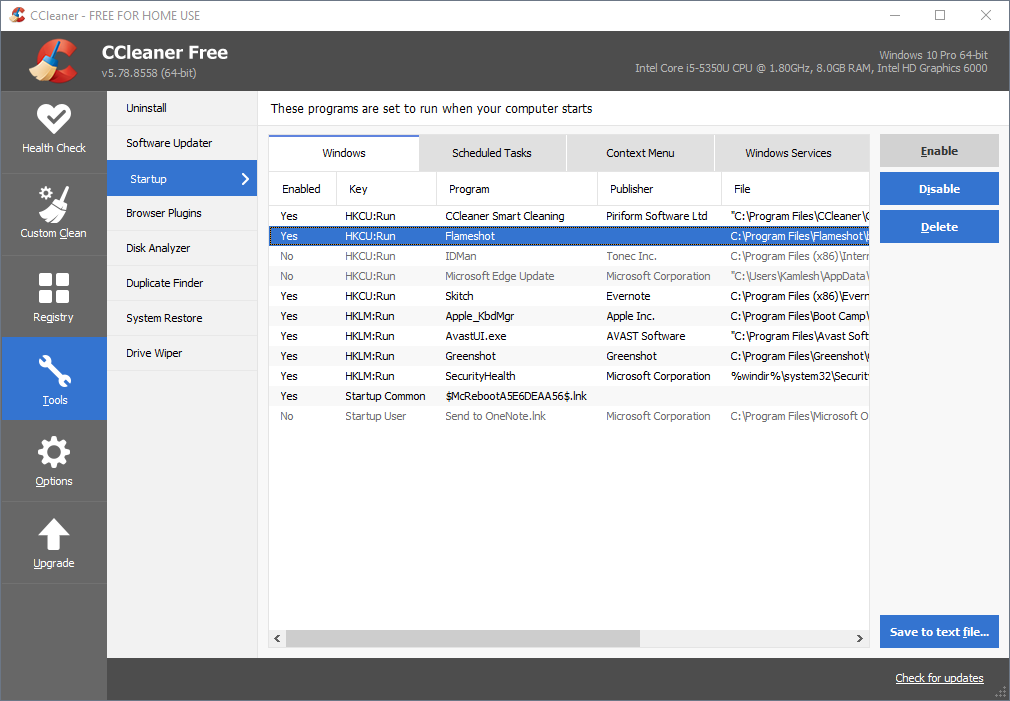
CCleaner is best known for system cleanup, but it also includes a built-in uninstaller. It removes apps, desktop software, and browser add-ons. It also detects leftover items and creates restore points before changes.
Absolute Uninstaller
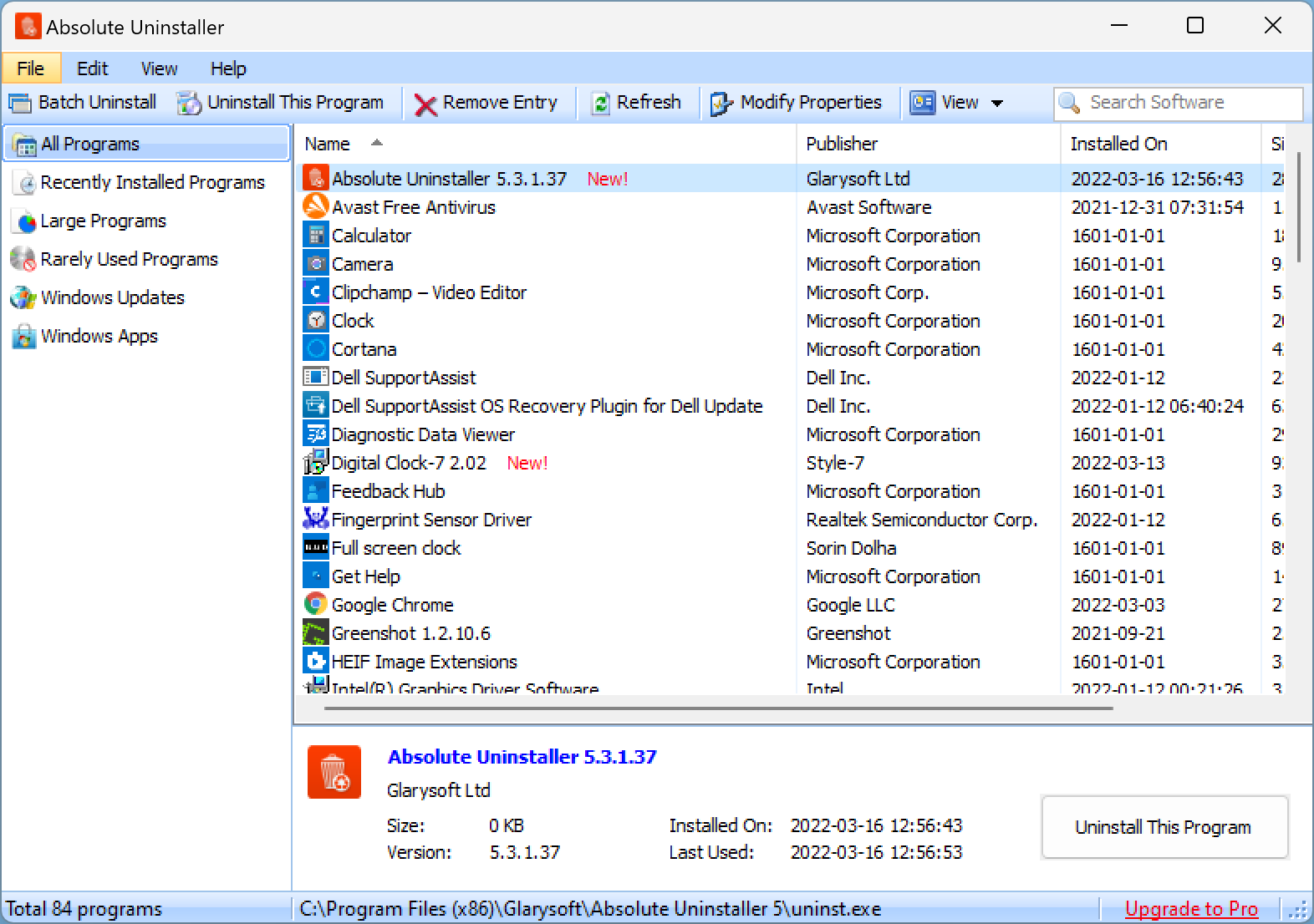
Absolute Uninstaller is a free and reliable tool that scans for installed programs, including hidden components. It removes leftovers, supports Batch Uninstall, and even handles corrupted or stubborn uninstallers. It’s ideal for reclaiming disk space efficiently.
ZSoft Uninstaller
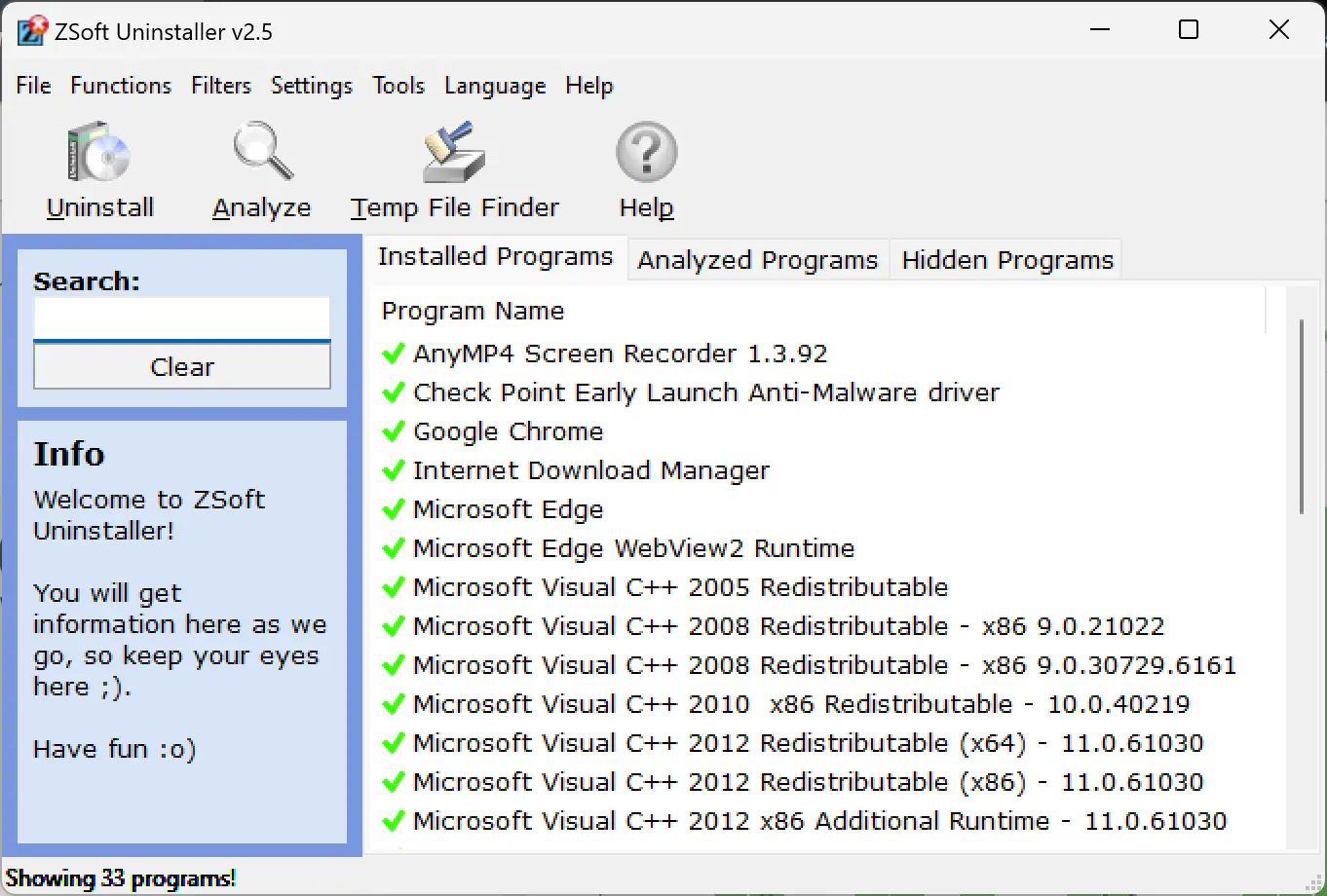
ZSoft Uninstaller offers a clean interface and deep scan capabilities. It helps detect all related files, folders, and registry entries of an app. You can also create a System Restore Point before uninstalling, which is helpful if anything goes wrong.
Uninstalr
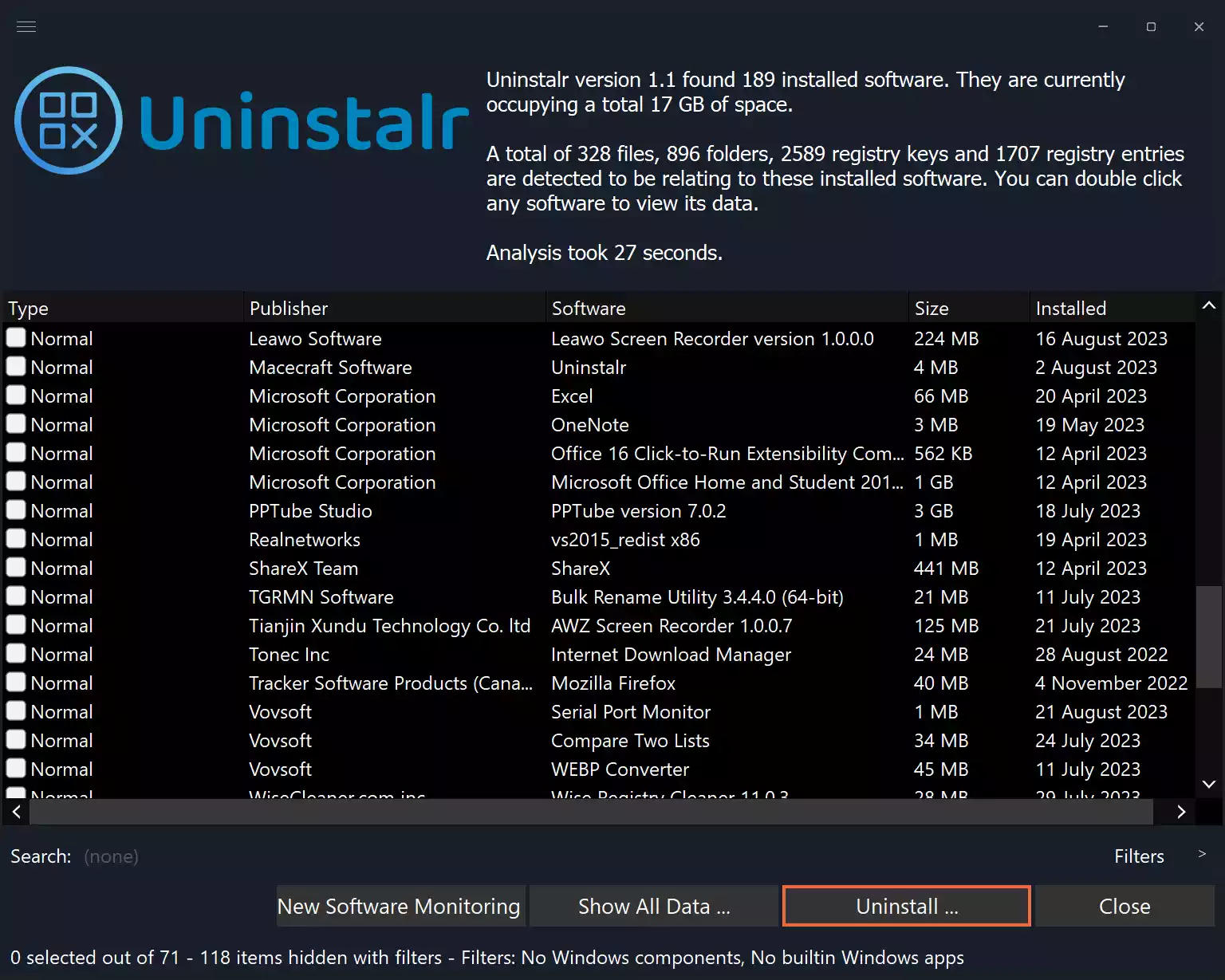
Uninstalr offers a clean, minimal interface that’s ultra beginner‑friendly. It clearly lists installed software, highlights large programs taking up disk space, and lets you remove multiple apps in one go. It’s a lightweight, straightforward option without unnecessary complexity.
Conclusion
Having a reliable uninstaller program is essential for keeping your Windows 11 or 10 system clean and optimized. The tools listed above are some of the best free options available—each offering useful features to fully remove apps, delete leftovers, and boost performance. Whether you’re uninstalling stubborn software or cleaning up system junk, there’s a tool here for you.