

Windows 11 and 10 often run into issues due to misconfigurations, broken updates, or faulty drivers. Fortunately, there are plenty of free tools available that can help fix these problems quickly—without needing advanced technical skills. Due to system misconfigurations, driver issues, broken updates, or failed services, Windows may behave unexpectedly. Thankfully, some powerful tools can help resolve these problems without needing advanced technical knowledge.
In this gearupwindows guide, you’ll discover the best free tools to repair, clean, and optimize your Windows 11 or 10 system for better performance and stability.
Best Free Tools to Fix and Repair Windows 11/10 Errors
Windows Repair by Tweaking.com

Windows Repair by Tweaking.com is an all-in-one repair tool designed to fix a wide range of system problems in Windows 11 and 10. Whether you’re facing issues with file permissions, broken registry entries, corrupted system files, or faulty configurations, this utility offers targeted solutions to restore system stability. It can reset Windows Update components, fix WMI service issues, rebuild broken icons, unhide system files, restore Internet Explorer settings, and much more—all in just a few clicks.
The tool is particularly helpful after malware infections or failed software installations that disrupt core Windows services. For best results, it’s highly recommended to reboot your computer into Safe Mode before running the repair modules. Safe Mode minimizes background processes, ensuring that the fixes apply cleanly and effectively without third-party interference.
AVG TuneUp
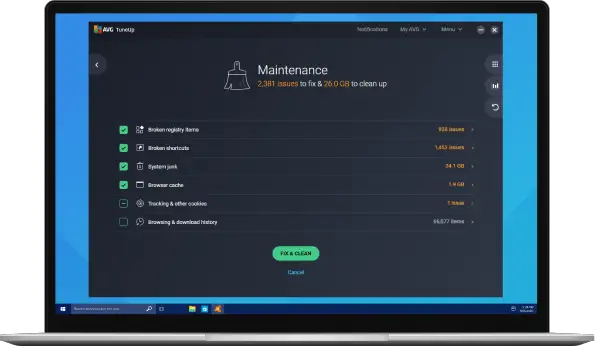
AVG TuneUp is a well-known utility that specializes in improving system performance on Windows 11 and 10. It tackles slowdown issues by removing unnecessary junk files, optimizing startup items, cleaning up registry entries, and putting background applications to sleep. This results in faster boot times, smoother multitasking, and overall improved system responsiveness.
While the tool isn’t completely free, it does offer a fully functional 30-day trial, making it an excellent choice for users who need a quick, one-time deep cleanup. The trial gives access to all premium features without limitations, allowing you to experience the full benefits of system optimization. You can download AVG TuneUp directly from its official website for a safe and up-to-date version.
Download AVG TuneUp from its official site.
Snappy Driver Installer
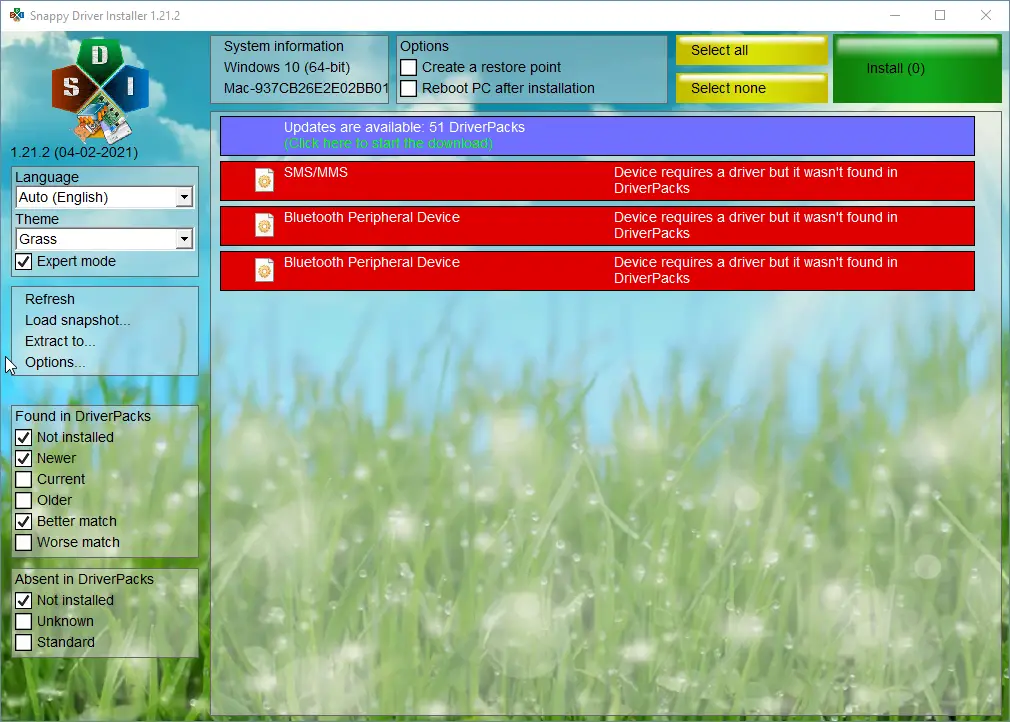
Many Windows issues, such as hardware malfunctions, audio problems, or network connectivity errors, can often be traced back to outdated, missing, or incorrect drivers. Snappy Driver Installer is a powerful open-source solution that addresses these problems efficiently. It scans your system for driver discrepancies and allows you to install the correct versions in bulk, saving time and ensuring hardware functions as intended.
What makes Snappy Driver Installer especially useful is its offline capability. By downloading the full driver pack ahead of time, you can use the tool without any internet connection—perfect for fixing PCs in environments with limited or no access. It’s completely portable, requires no installation, and is free to use. Whether you’re updating one machine or troubleshooting several, this tool is a reliable choice for driver-related repairs. It works on Windows 7, 8, 10, and 11.
FixWin for Windows
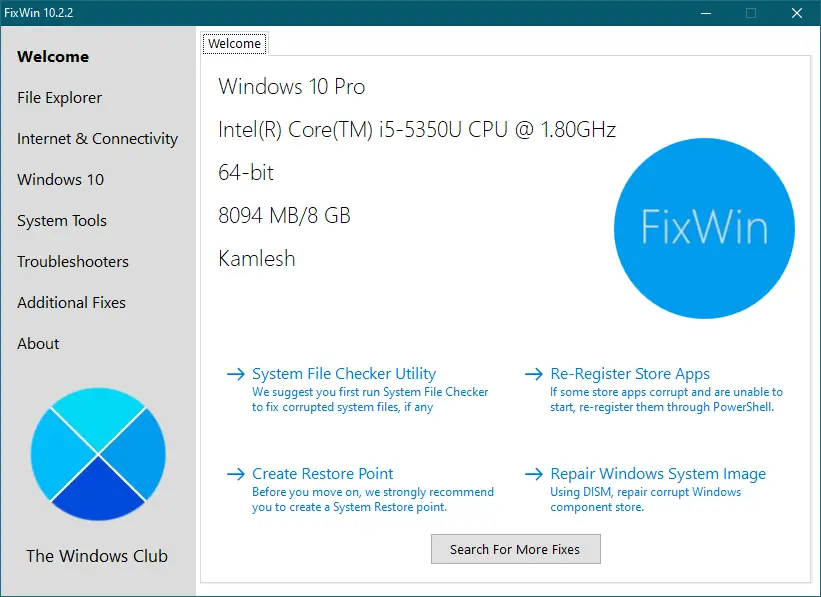
FixWin is another excellent utility from TheWindowsClub, designed to address a wide range of common and frustrating Windows issues. Unlike general optimization tools, FixWin focuses on specific functional repairs, neatly organized into categories such as File Explorer, Internet & Connectivity, System Tools, and dedicated fixes for Windows 10. Although primarily designed for Windows 10, many of its repair modules still work effectively on Windows 11.
What sets FixWin apart is its straightforward, one-click repair approach. Whether you need to re-register Microsoft Store apps, reset the Start menu, repair search indexing, run SFC or DISM scans, or troubleshoot Windows Update problems, everything is available in a clean and intuitive interface. No technical knowledge is required, making it ideal for beginners who want to resolve issues without diving into complex settings or command-line tools. It’s also a lightweight, portable application that doesn’t require installation—just launch and fix.
IObit Advanced SystemCare Free
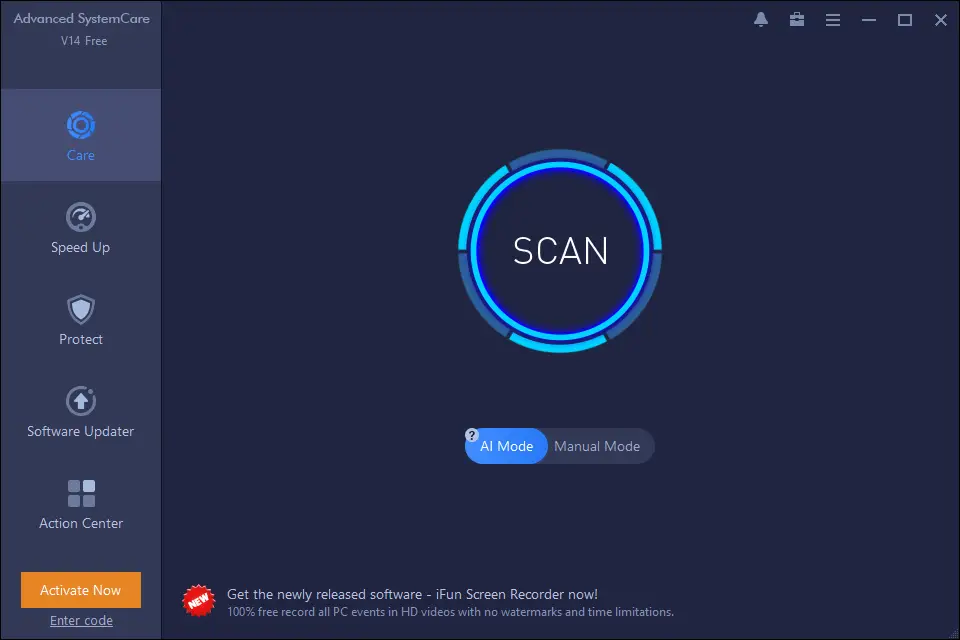
IObit Advanced SystemCare is a widely used utility aimed at boosting system performance and improving privacy protection on Windows PCs. It features a one-click scan that detects and resolves junk files, invalid shortcuts, registry clutter, unnecessary startup items, and browsing traces—all of which can slow down your system or compromise your privacy.
What sets Advanced SystemCare apart is that, unlike some competitors, its free version is quite generous. You can clean and optimize your system, enhance startup speed, and even access internet booster tools without paying a cent. Additionally, it includes basic security enhancements like spyware removal and real-time monitoring to help strengthen your system against threats. Its modern, user-friendly interface makes it a solid choice for casual users looking for a hassle-free PC cleanup and tune-up solution.
O&O ShutUp10++
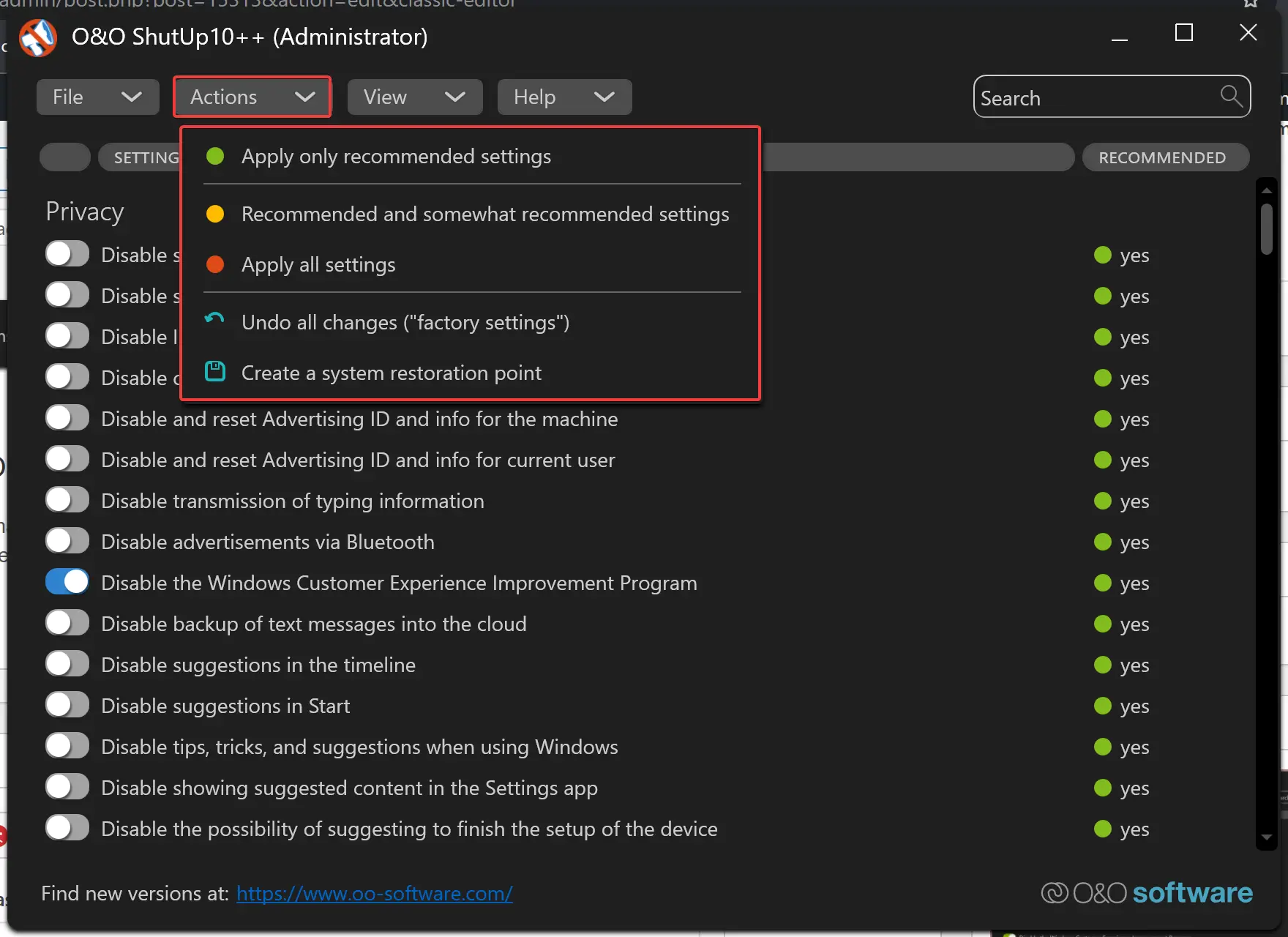
If your top priority is protecting your privacy rather than boosting performance, O&O ShutUp10++ is one of the best free tools available. Windows 11 and 10 collect a significant amount of telemetry and user activity data by default, but this utility puts you back in control. With a clear and straightforward interface, it lets you decide exactly what information your system sends to Microsoft.
The tool offers several ready-made privacy profiles—ranging from recommended to strict—that allow you to quickly disable data collection features like Cortana, advertising ID, app telemetry, location services, and background app permissions. Each setting is explained in detail, so even beginners can make informed decisions. Best of all, O&O ShutUp10++ is portable and doesn’t require installation. Just launch the tool, review the settings, and apply the changes instantly for a more private Windows experience.
Windows Repair Toolbox
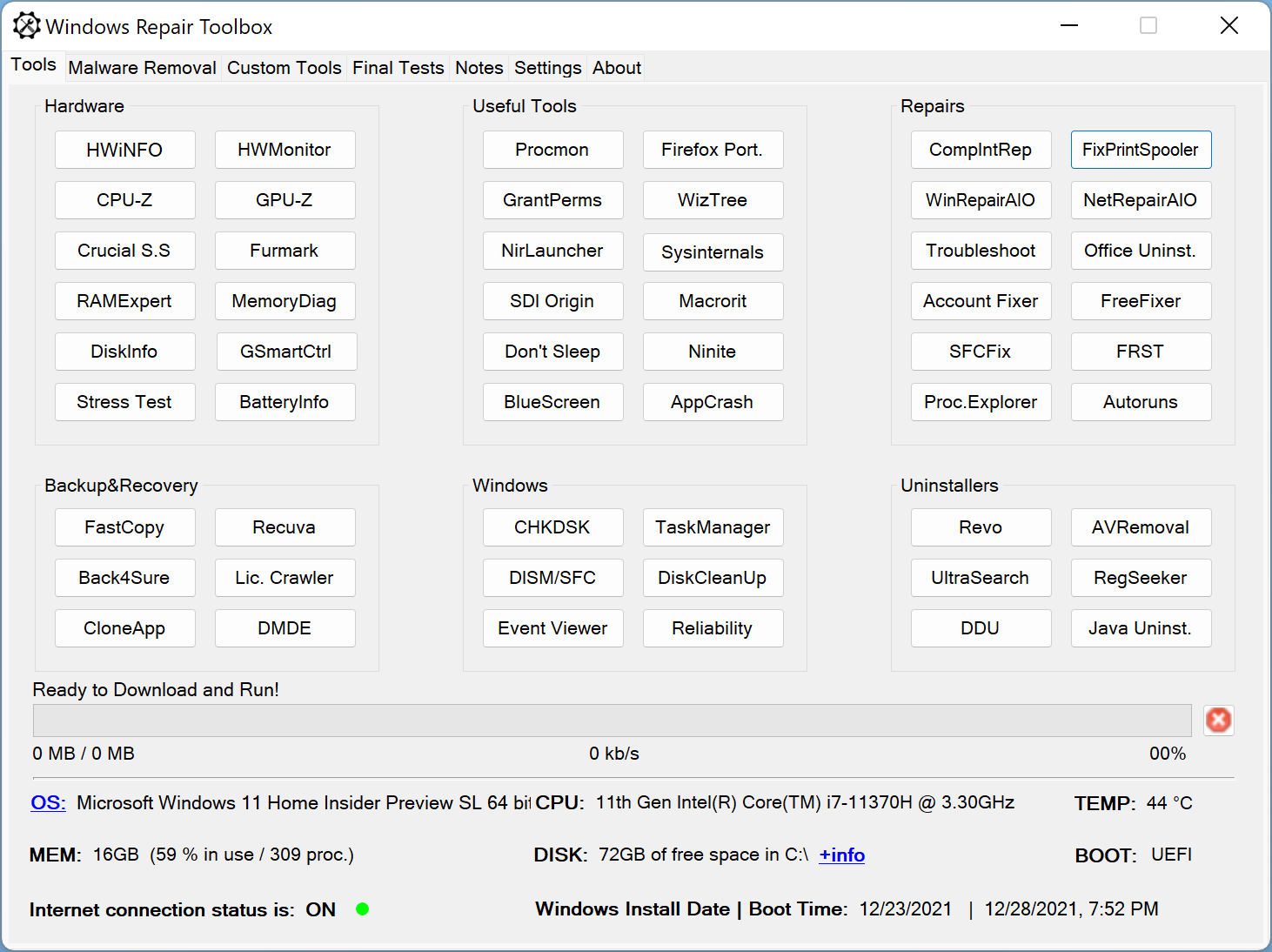
Windows Repair Toolbox is a lightweight yet powerful utility designed for advanced users and IT professionals. Unlike single-purpose repair tools, this application serves as a centralized hub that gives you quick access to a wide range of third-party repair and diagnostic utilities—all from one tidy interface. It’s completely portable, so you can run it from a USB drive without installation, making it ideal for on-the-go troubleshooting.
The toolbox is neatly divided into categories like Hardware, Repairs, Backup & Recovery, Malware Removal, and System Monitoring. Each tab includes trusted tools such as ESET Online Scanner, CrystalDiskInfo, Malwarebytes, and more. It even provides features like CPU and RAM monitoring, a notes section, and direct links to essential Windows utilities. Whether you’re fixing a slow PC, removing malware, or recovering a crashed system, Windows Repair Toolbox makes the process smoother and more efficient.
Wintoys (Windows 11 Optimization Suite)
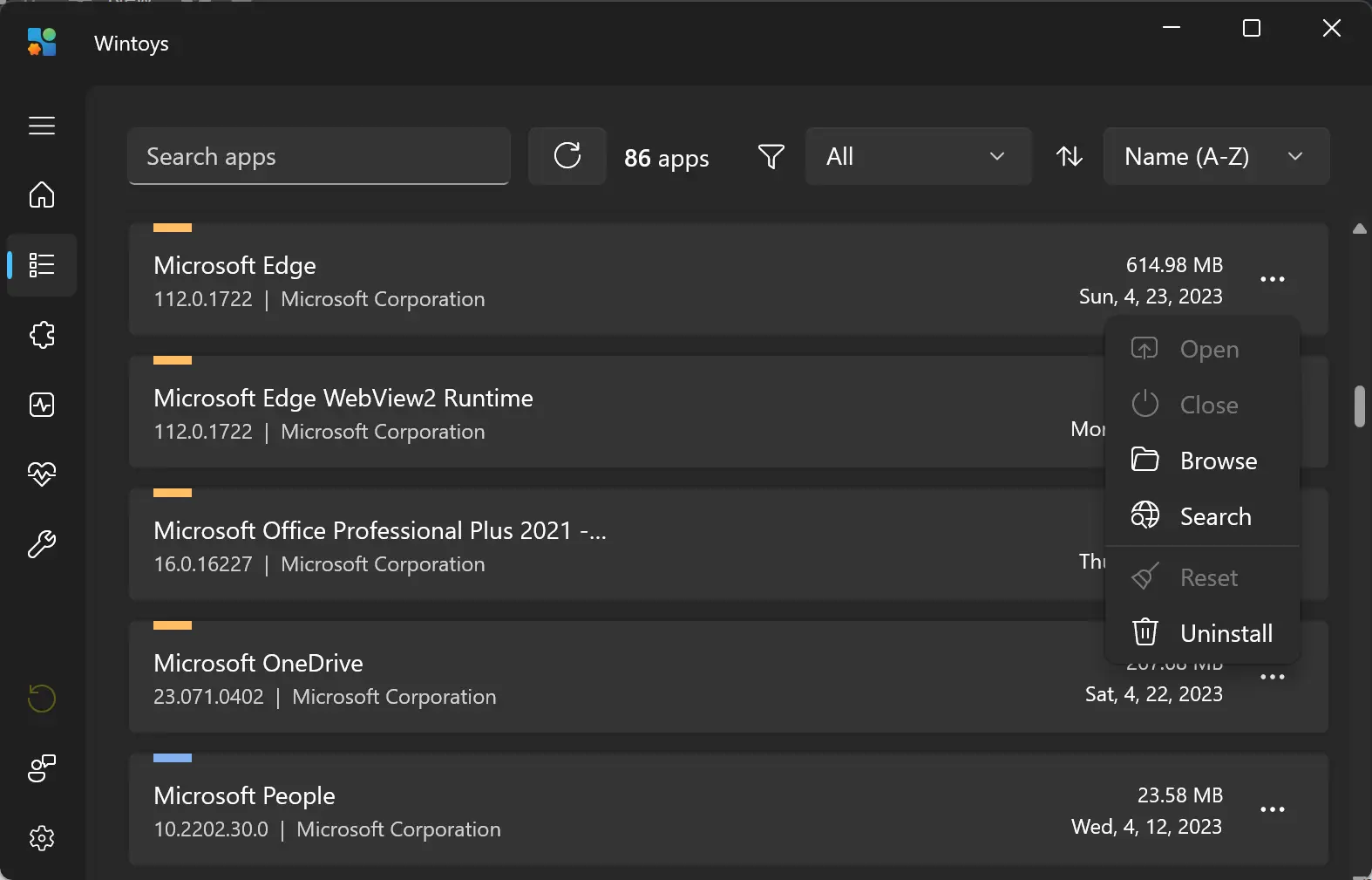
Wintoys is a sleek, modern utility tailored specifically for Windows 11 users. Available directly from the Microsoft Store, it’s a lightweight app that simplifies PC optimization for beginners and advanced users alike. With just a few clicks, you can disable unnecessary background services, remove pre-installed bloatware, and fine-tune privacy settings—without hunting through complicated system menus.
What sets Wintoys apart is its clean, Windows 11-style interface and its all-in-one dashboard. It lets you monitor system performance, clean junk files, manage startup apps, and even tweak UI behavior like animations and visual effects. It’s perfect for users who want to repair sluggish performance or regain control over system behavior in a user-friendly way. It is designed exclusively for Windows 11.
CCleaner
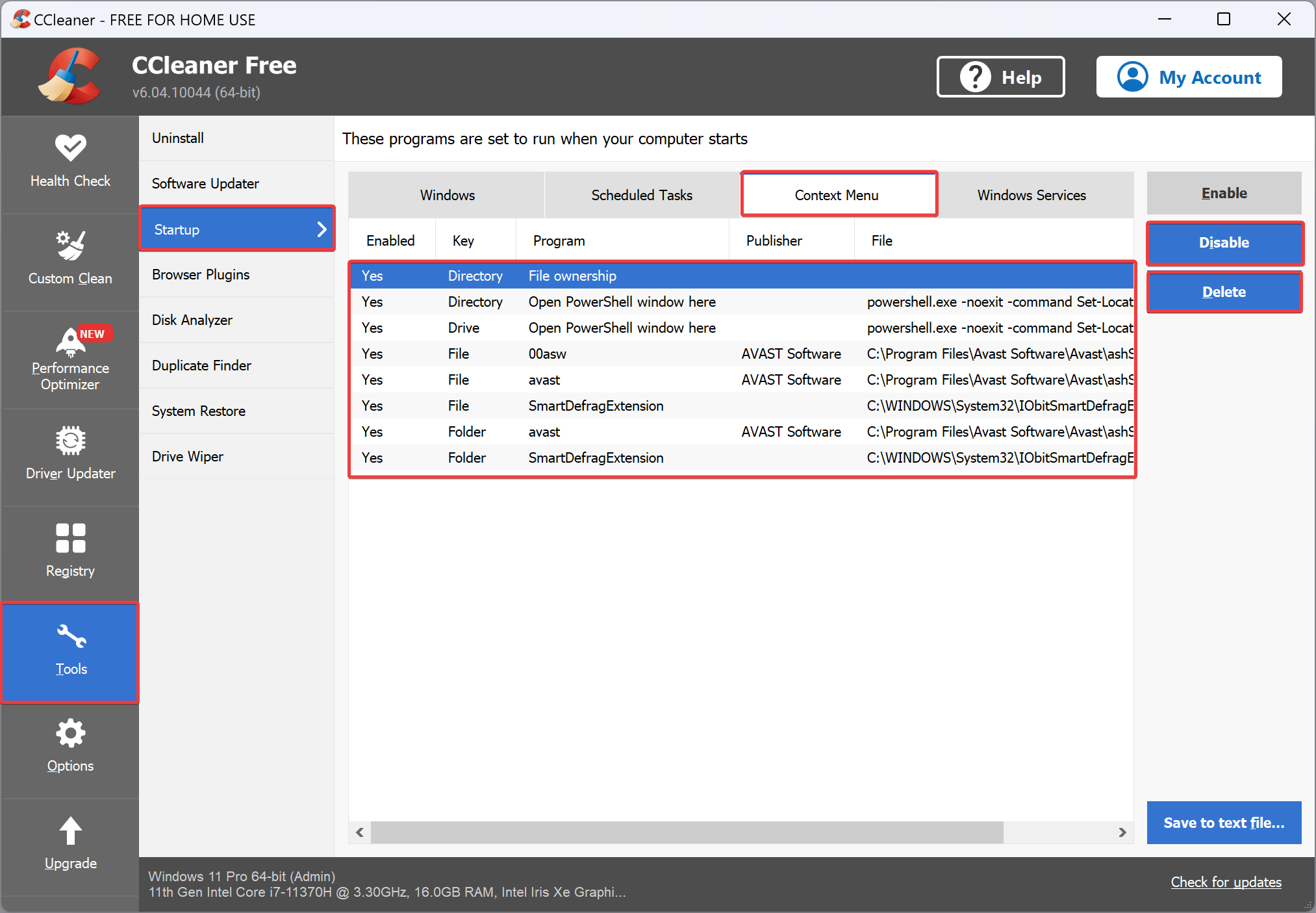
CCleaner by Piriform is one of the oldest and most trusted cleanup utilities for Windows. It scans for and removes unwanted junk files—from browser caches and temporary files to log and leftover files—freeing up disk space and reducing clutter. It also includes a reputable registry cleaner, backed up with automatic restore point prompts.
Beyond cleaning, CCleaner offers tools for managing startup programs, uninstalling unwanted applications, and clearing privacy traces like browsing history and cookies. The free version covers core cleanup and optimization needs without any cost, making it suitable for daily maintenance. Pro upgrades add extras like driver updates, Software Updater, and a Performance Optimizer—though home users often find the free version sufficient.
Puran Utilities
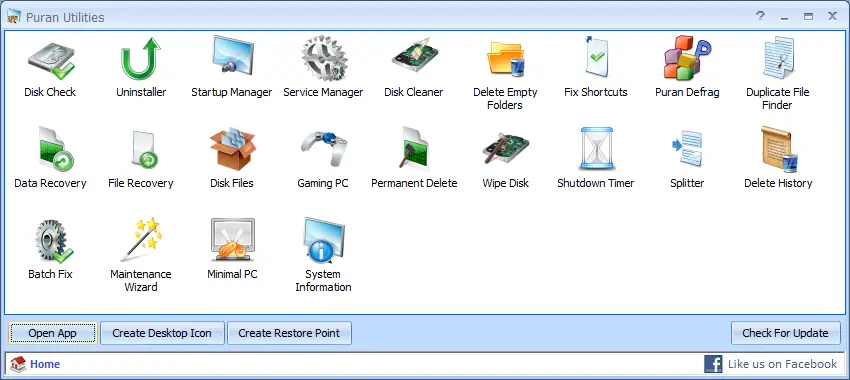
Puran Utilities is a comprehensive and completely free optimization suite designed to clean, repair, and speed up your Windows PC. It includes over 20 useful utilities such as Disk Check, Uninstaller, Startup Manager, Registry Cleaner, Service Manager, and more—all bundled into a single interface for convenience.
Despite its simple appearance, Puran Utilities offers powerful functionality for both novice and advanced users. Its “Puran Fix Shortcuts” and “Puran Service Manager” are especially useful for repairing broken shortcuts and controlling unnecessary background services. While it hasn’t been updated in recent years, it still works well on most versions of Windows, including Windows 10.
BleachBit
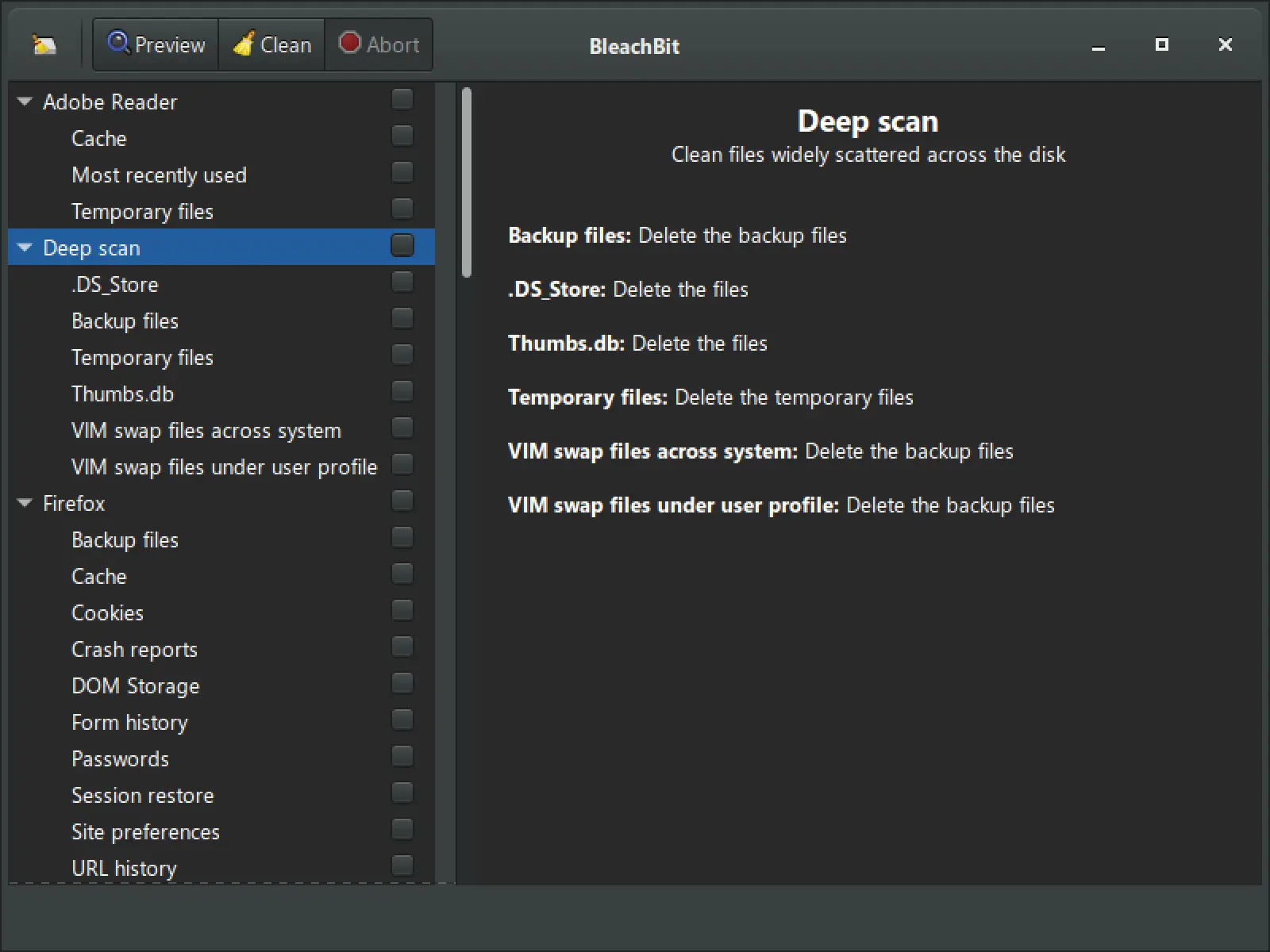
BleachBit is a powerful and open-source cleanup tool that helps you free up disk space and protect your privacy. It removes junk files, clears browser history, deletes cache, and eliminates unnecessary logs from various applications. With just a few clicks, you can recover valuable storage space and boost system performance.
What sets BleachBit apart is its simplicity and effectiveness. It supports a wide range of programs, offers a preview mode to review files before deletion, and includes an advanced shredding feature to securely erase sensitive data. Whether you’re looking to declutter your system or enhance privacy, BleachBit is a lightweight and dependable choice.
Conclusion
Whether you’re dealing with performance issues, junk file buildup, privacy concerns, or outdated drivers, there are several free and effective tools available to optimize and repair your Windows 11 or 10 PC. From all-in-one suites like Puran Utilities and CCleaner to privacy-focused tools like O&O ShutUp10++ and powerful cleaners such as BleachBit, you have a wide range of options to get your system back in shape.
These programs are beginner-friendly and do not require advanced technical skills, making them ideal for everyday users. Whether you want to clean, secure, repair, or speed up your computer, these utilities offer practical solutions without costing a dime. Try out a few of them and give your Windows experience a well-deserved performance boost.