

In today’s digital age, we rely heavily on downloading files for various purposes—whether it’s for work, entertainment, or personal use. However, slow internet speeds and interruptions can make this process frustrating and time-consuming. This is where Download Accelerator Plus (DAP) comes in, offering a solution by boosting download speeds and ensuring files are downloaded without errors or interruptions. DAP is a lightweight and free program that can be a game-changer for anyone looking to improve their downloading experience.
Why Download Accelerator Plus (DAP)?
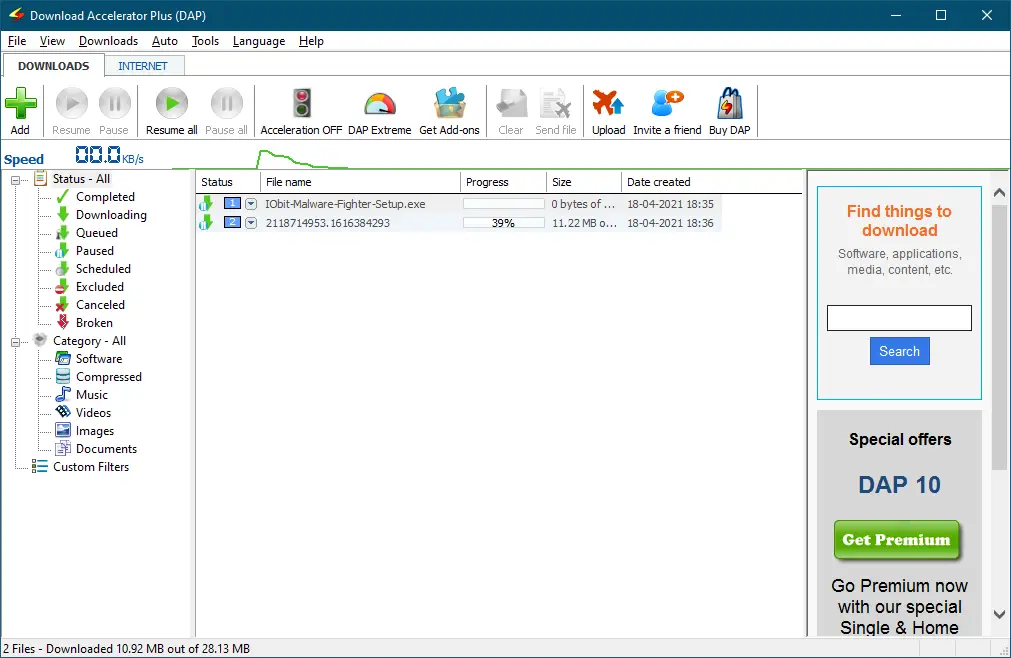
While most browsers have built-in download managers, they often can’t handle large files or slow connections—resulting in broken or corrupted downloads. That’s where Download Accelerator Plus (DAP) excels. This lightweight and free program eliminates those problems, making your downloading experience smoother and faster.
One of the standout features of DAP is its ability to split files into smaller chunks. This boosts download speeds and ensures that your files are not corrupted during the download process. The program also automatically categorizes downloaded files into groups such as software, music, videos, images, and documents—making it easier to stay organized.
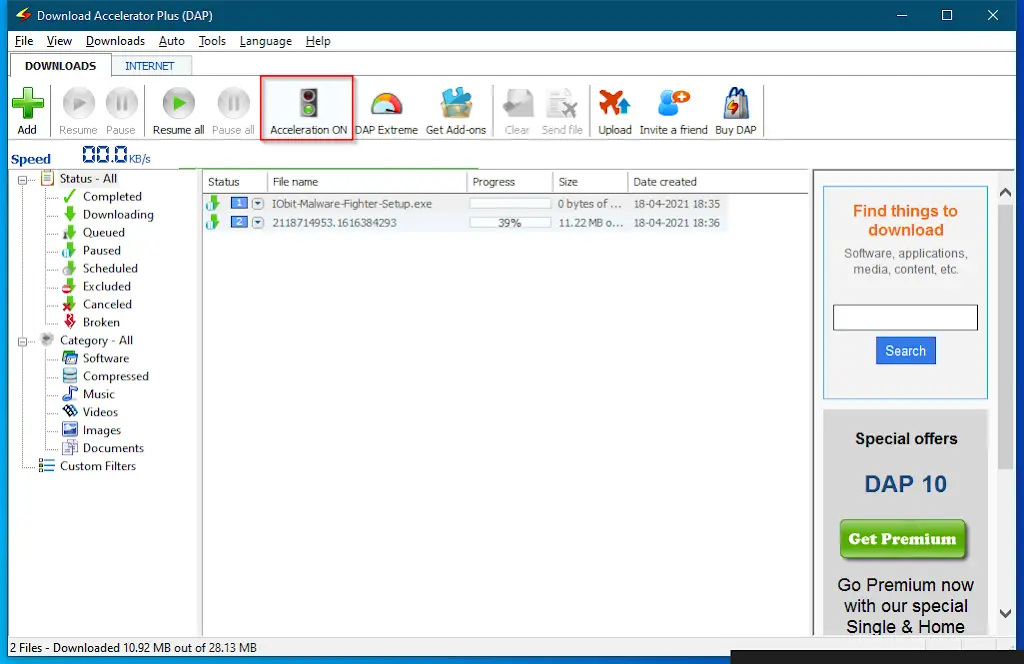
DAP features a user-friendly interface, with all essential options easily accessible at the top of the screen. It allows you to pause and resume downloads at any time. Even in the free version, you can download up to five files simultaneously.
To unlock the tool’s full potential, you can upgrade to the premium version. This removes ads and unlocks additional features. DAP claims to increase your download speed by up to 400%, making it ideal for users who want faster downloads with minimal effort.
DAP is compatible with popular browsers such as Internet Explorer, Firefox, Google Chrome, Safari, and Opera. Another impressive feature is the ability to preview audio and video files while downloading—a feature also seen in tools like Ninja Download Manager.
If you’re searching for a reliable and effective download manager, Download Accelerator Plus (DAP) is worth considering. Alternatively, you can explore other options like Xtreme Download Manager, Neat Download Manager, Free Download Manager, GetGo Download Manager, FlashGet, and FreeRapid Downloader.
Download “Download Accelerator Plus (DAP)”
You can download the free version of this tool from its official homepage.
Conclusion
In conclusion, if you’re tired of slow internet speeds and broken downloads, using a reliable download manager like Download Accelerator Plus (DAP) can be a game-changer. Its ability to split files, categorize downloads, and boost speeds by up to 400% makes it a top choice for users who want fast and efficient downloads. While there are many other download managers available, DAP stands out due to its ease of use and powerful features—making it an excellent option for Windows users looking to improve their downloading experience.