

Keeping your Windows drivers up to date is crucial for the smooth functioning of your system. Drivers are software that connect your hardware devices to the operating system, and outdated or faulty drivers can cause performance issues, system crashes, and even hardware failure. Manually updating drivers can be a daunting and time-consuming task, which is why using driver update software is an excellent option.
In this gearupwindows article, we’ll explore the best free driver update software for Windows 11 and Windows 10, which can help you keep your drivers up to date with ease.
Best Free Driver Update Software for Windows 11 and 10
1. WinZip Driver Updater
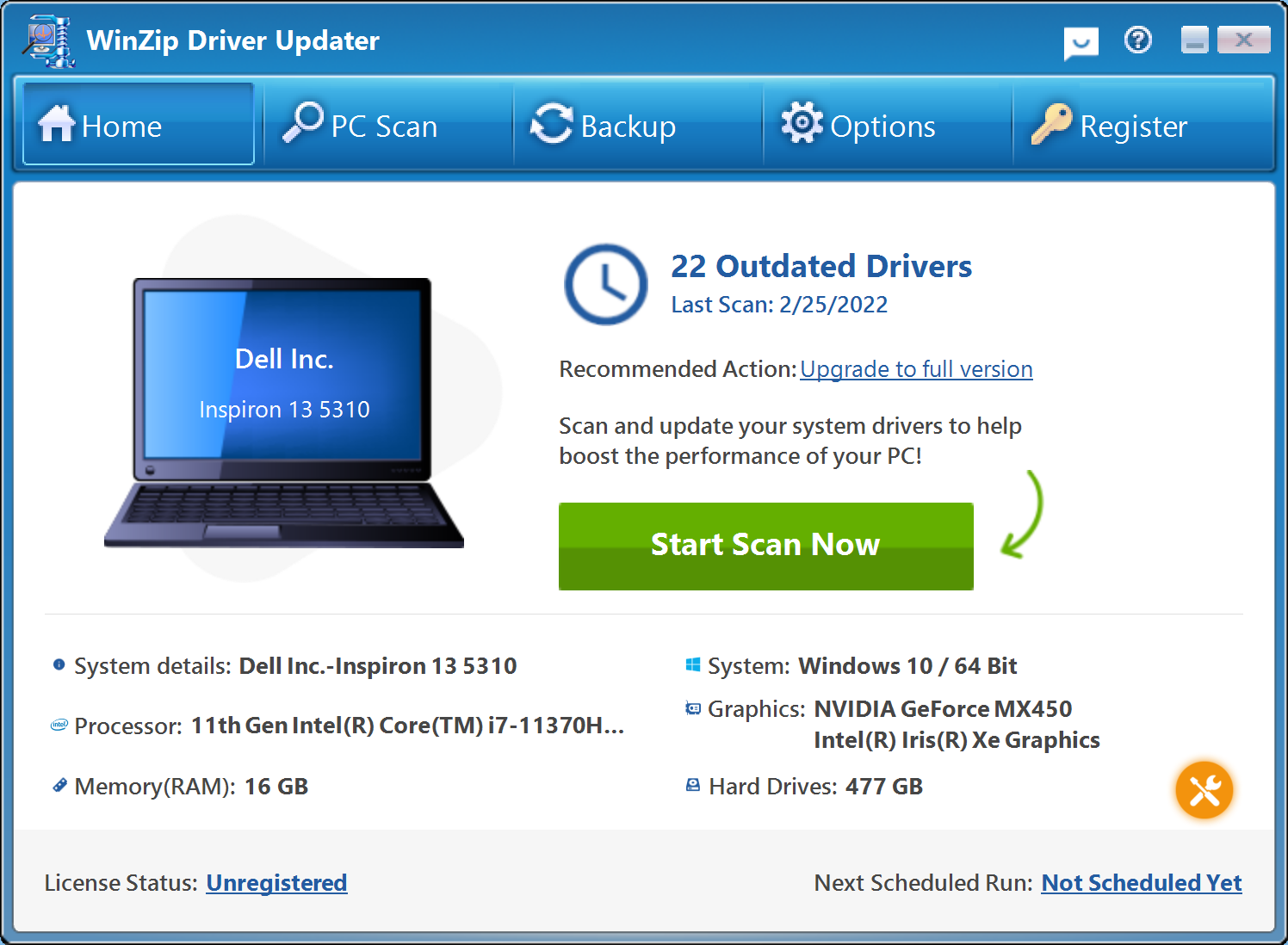
If you’re looking for a reliable and free driver updater software for your Windows 11 or 10 PC, WinZip Driver Updater is a great option. This software not only helps you download the latest device drivers but also creates a system restore point and backs up the current driver before proceeding with the installation. The free version of WinZip Driver Updater doesn’t require any registration, making it easy to use. However, it does have a limitation where you need to manually click on the update button for each driver, which is still manageable. Overall, WinZip Driver Updater is a reliable and secure solution for keeping your drivers up to date.
2. Intel Driver & Support Assistant
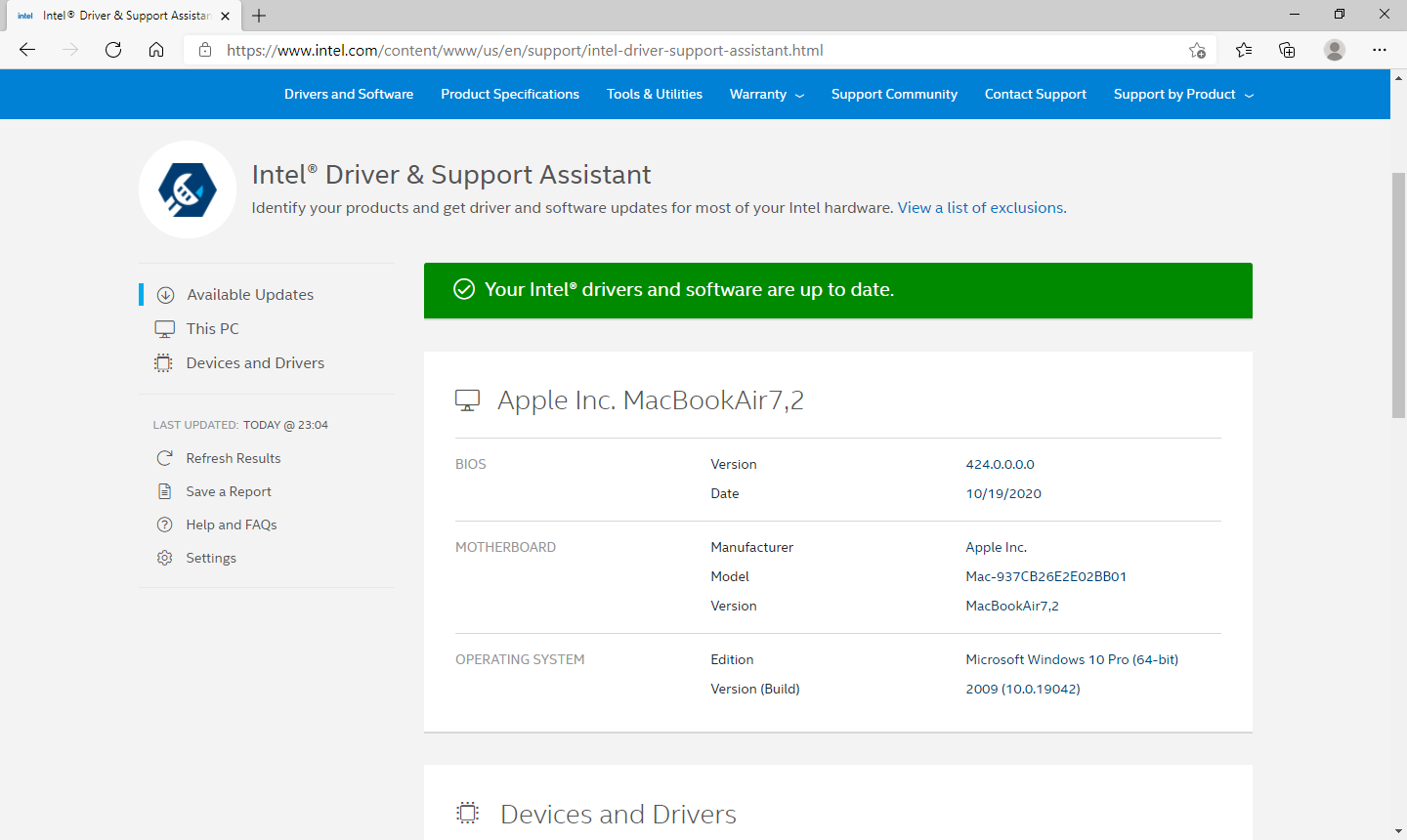
The Intel Driver & Support Assistant is a reliable and free driver update software for Windows 11/10 that offers automatic identification, location, and installation of updated drivers for your computer system, ensuring that your system is always up-to-date. The software scans your system thoroughly, recommends necessary driver updates, and downloads them only after receiving your consent. Additionally, it collects no personal information and can be easily installed on your PC.
Thanks to its user-friendly interface, the Intel Driver & Support Assistant is an excellent option for those who want a hassle-free way to update their device drivers. It offers a simple and intuitive interface that enables you to check for driver updates and install them with just a few clicks, making it a valuable addition to the list of free driver update software for Windows PCs.
3. AMD Driver Autodetect
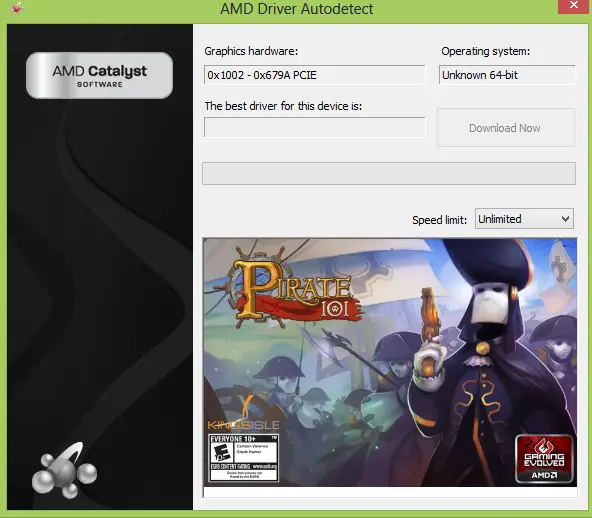
If you’re an AMD graphics card user and want to keep your system updated, the AMD Driver Autodetect tool can help. This free software scans your entire operating system, including the graphics card, to identify any available updates. With just a single click, you can download and install the official update. The software is known for its easy installation and auto-detect tool, which makes it a convenient option for users.
The AMD Driver Autodetect tool is designed to ensure that your AMD graphics card is running with the latest drivers, which can improve the performance and stability of your system. With its user-friendly interface, the software is easy to use and navigate. It’s a valuable tool for AMD graphics card users who want to keep their system updated without having to search for updates manually.
4. DUMo Drivers Update Monitor
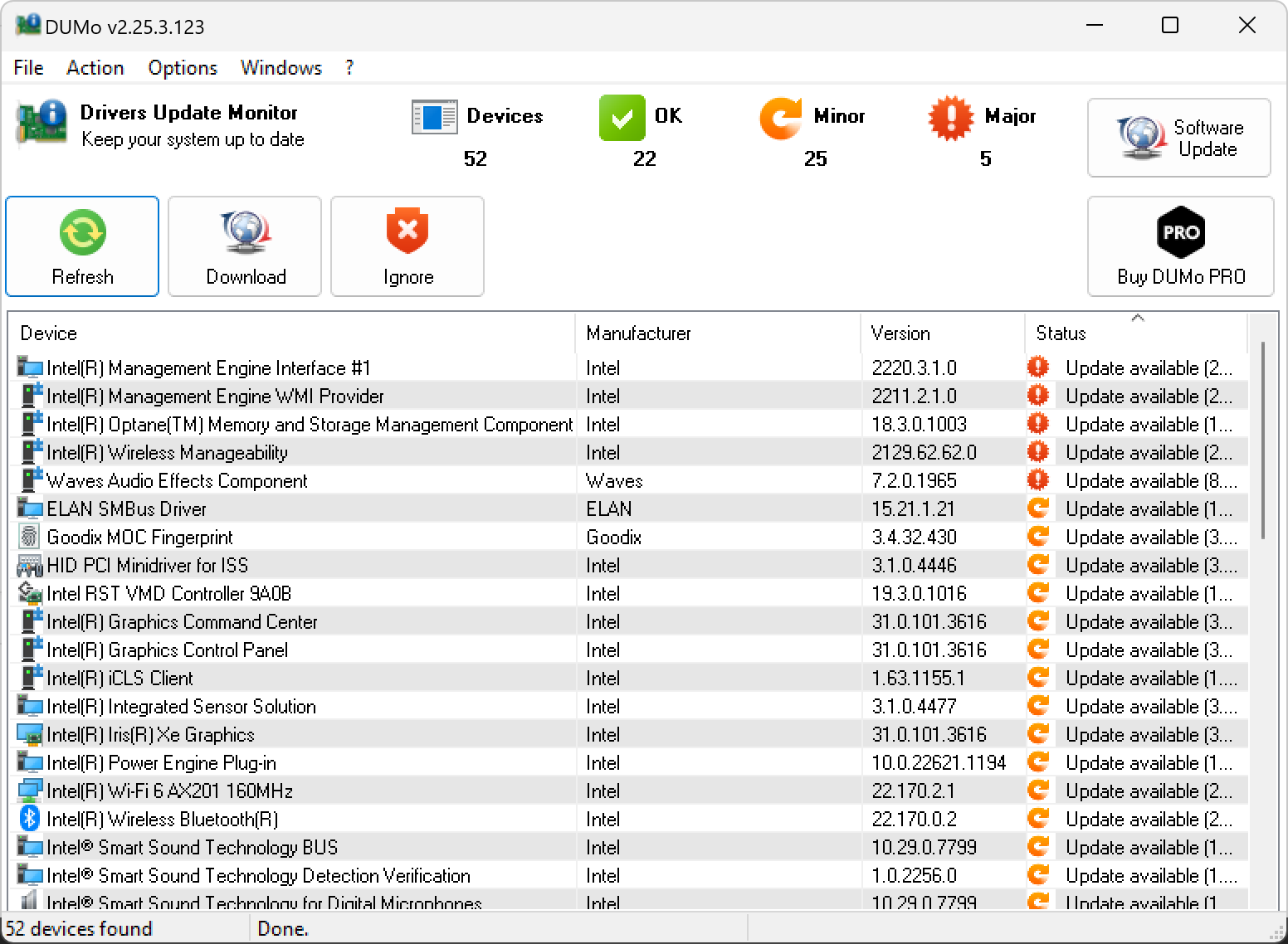
DUMo Drivers Update Monitor is a free Windows software that helps keep your PC updated and secure by automatically checking for the most recent versions of hardware drivers installed on your system. With DUMo installed, you no longer need to check for updates manually. The tool sends you a notification whenever an update is available for the drivers on your PC. This feature saves you time and ensures that your PC stays up-to-date with the latest drivers. Additionally, DUMo is easy to install and use, making it a convenient tool for any Windows user.
5. IObit Driver Booster Free
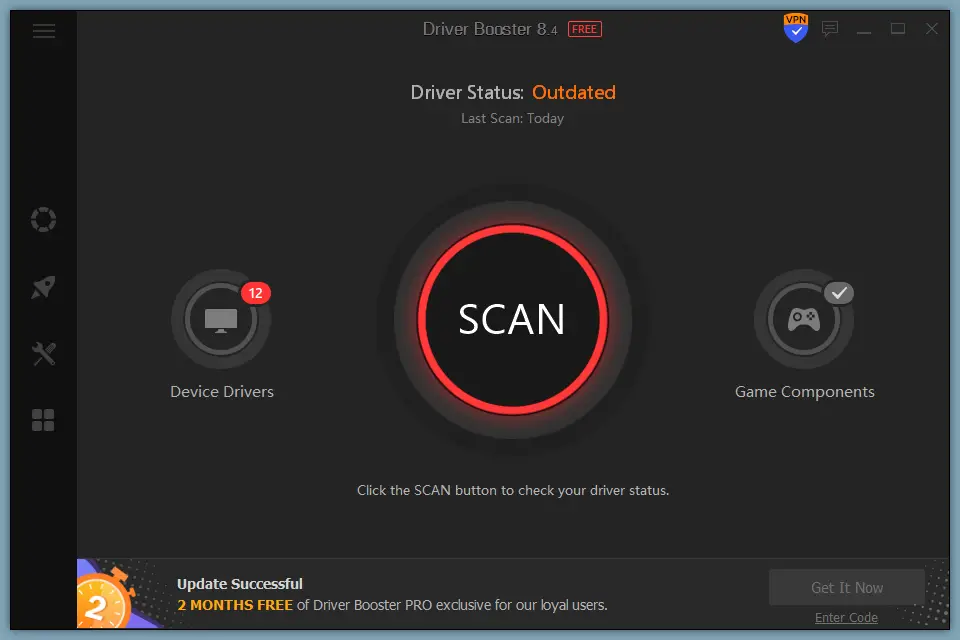
Keeping your PC’s drivers updated is crucial for the proper functioning of hardware components such as display adapters, network cards, USB ports, and more. While Microsoft ships updated drivers with every Windows 11/10 update, this is not always sufficient, and third-party tools such as IObit Driver Booster can help keep your PC up to date.
IObit Driver Booster is a free Windows tool that stores a database of over 3.5 million device drivers and game components to help boost PC performance. It also allows you to scan for outdated drivers and update them with just one click. Additionally, it features options to fix common issues such as bad resolution and network failure, and can export system information in an HTML file. While the tool does promote in-house products, it remains one of the best free options available for keeping your PC drivers updated and is compatible with Windows XP to Windows 11.
6. Double Driver
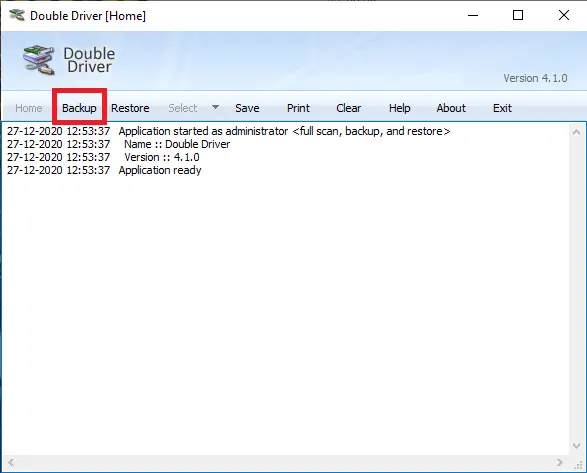
Double Driver is a free and user-friendly utility that enables you to easily back up and restore drivers on Windows 10 and 11 machines. It offers useful features such as the ability to list, save, and print driver details and backup drivers to structured folders, compressed (zipped) folders, and self-extracting capability. With Double Driver, you can safeguard your drivers and restore them in case of any system disasters or hardware failures.
7. Snappy Driver Installer
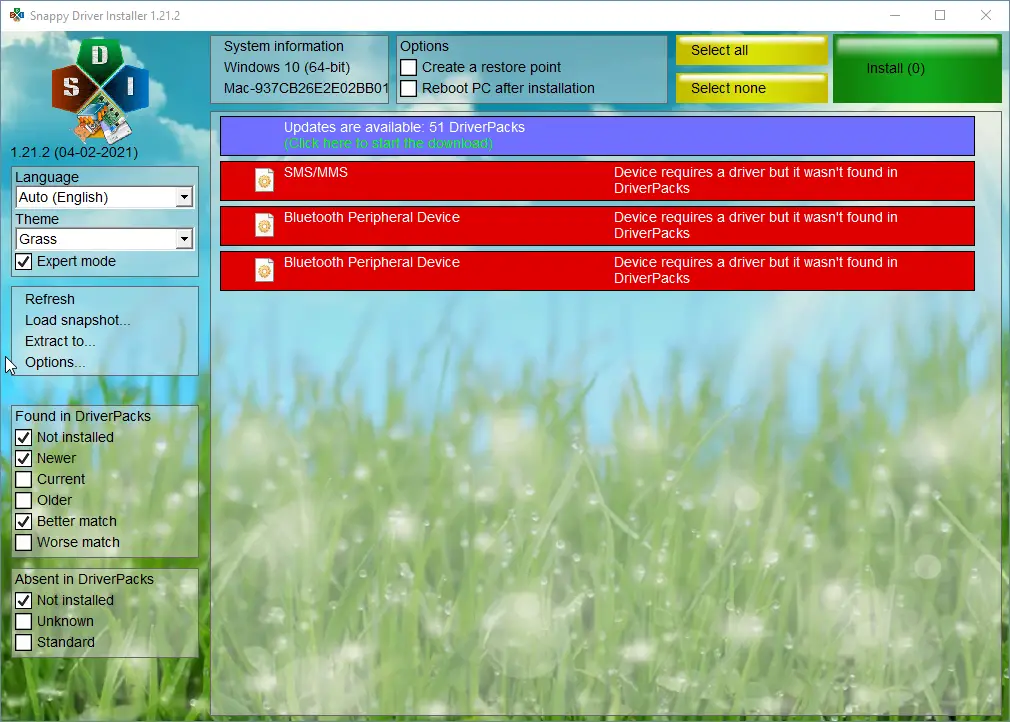
Maintaining the quality of your computer’s operating system, software, hardware, and device drivers is crucial to avoiding any issues while using it. Snappy Driver Installer is a free driver updater software that can help you keep your PC’s drivers up to date. It is an efficient tool for PC driver management and can find the best-matching drivers for your devices, keeping you ahead technically without adding extra effort. You can download Snappy Driver Installer for Windows 10 from sdi-tool.org, an open-source website that offers all features for free with no nags.
8. Driver Easy
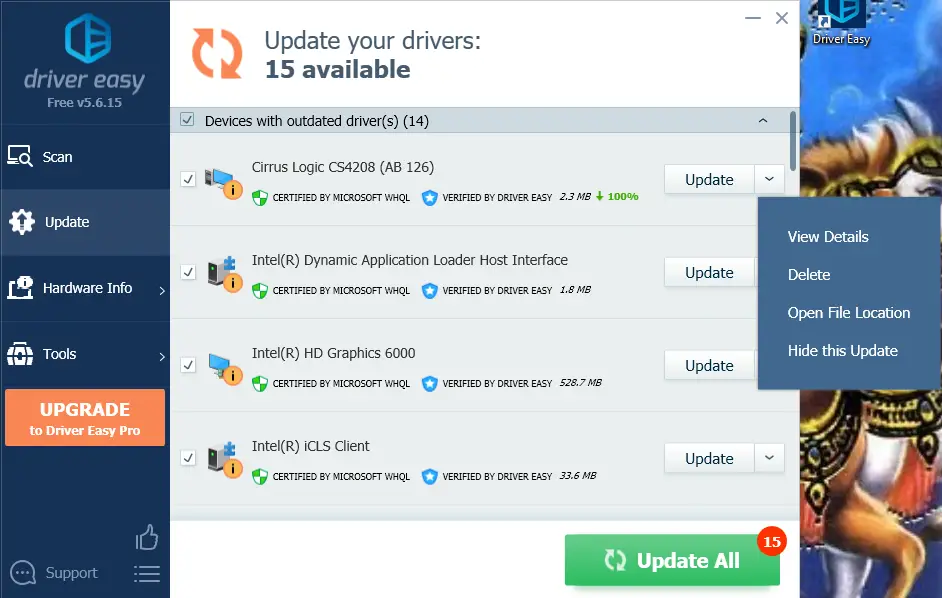
If you want to improve the performance of your Windows PC, it’s important to keep your drivers updated. While you can use the command-line utility on Windows 11/10 or freeware tools like Double Driver or DriverBackup, using a third-party tool like Driver Easy can automate the process for you. This freeware scans your PC for outdated drivers and provides a list for you to update individually or with the “Update All” button (available only in the paid version). You can view details about each update and download the latest version from the manufacturer’s website. While you’ll need to update drivers manually through the Device Manager in the free version, Driver Easy is compatible with Windows 11, 10, 8, and 7 (32-bit and 64-bit editions).
9. DriverBackup
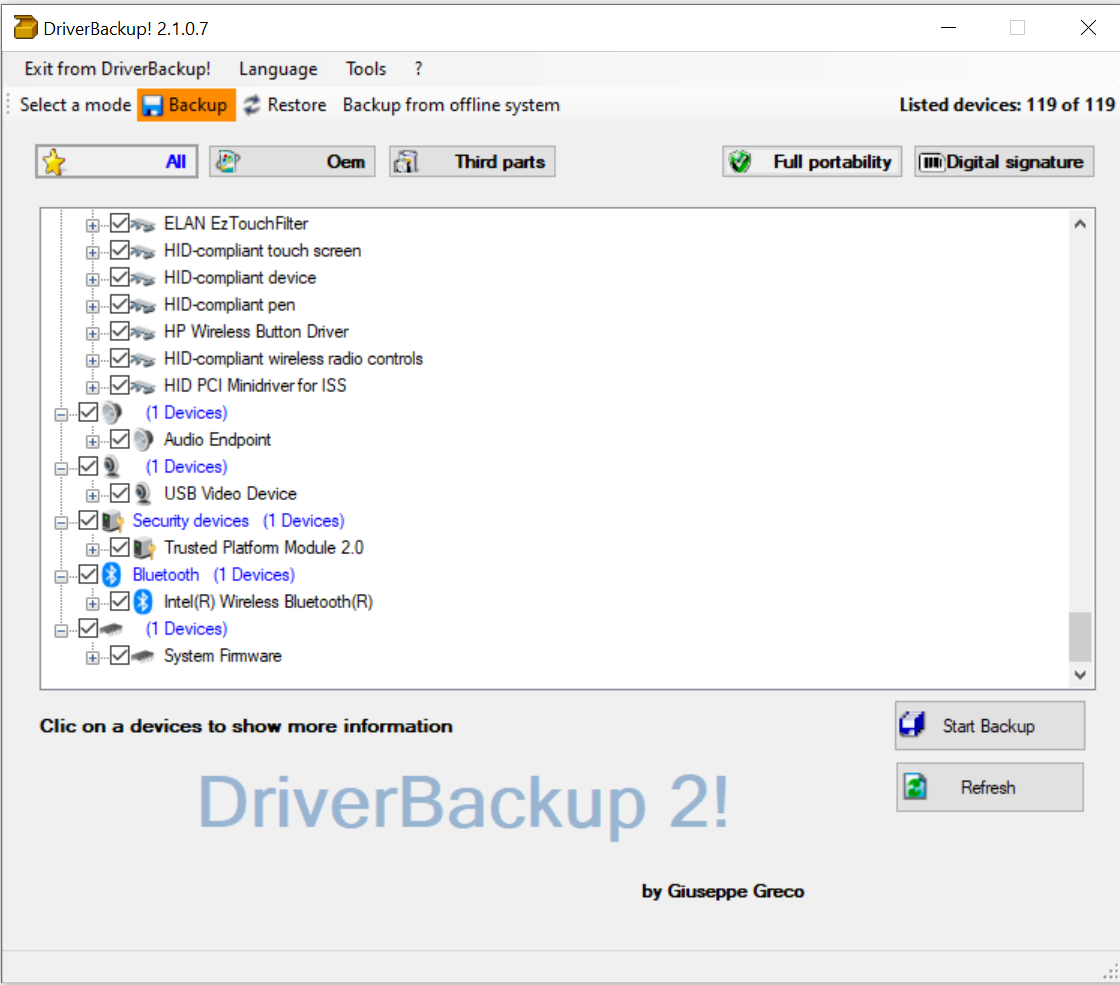
Looking for reliable and user-friendly software to back up and restore drivers on your Windows PC? DriverBackup is a portable and free utility that allows you to back up and restore Windows drivers, including third-party devices. With features such as path formatting, automatic restoration from CD/DVD, and an interactive command-line builder, DriverBackup is a must-have tool for anyone looking to manage their PC’s drivers. It also allows you to generate executable files for automatic driver restoration.
10. DriverMax
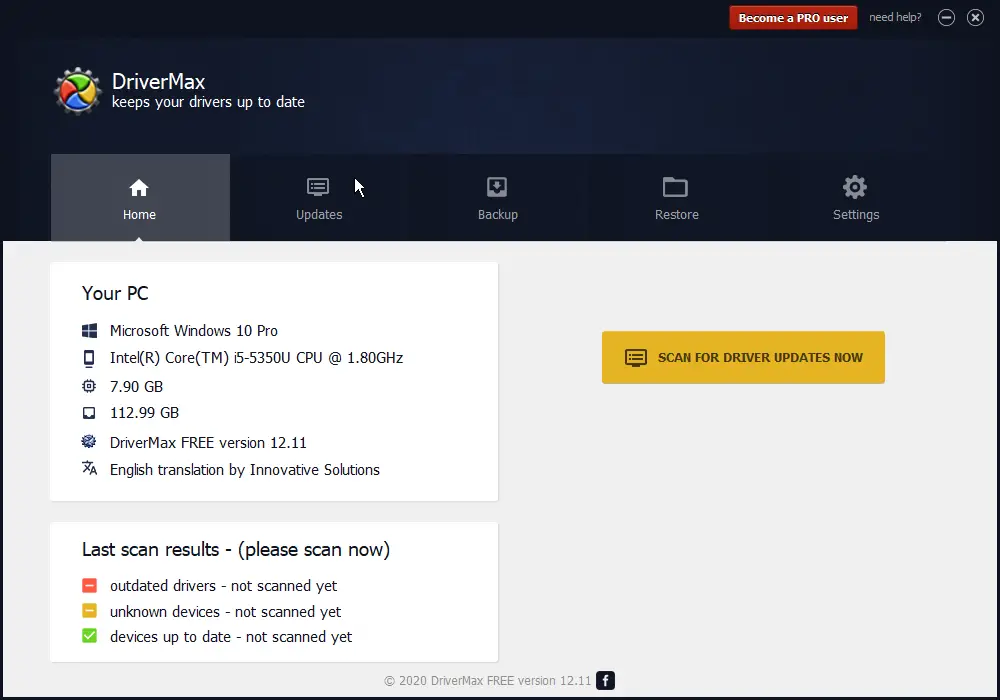
DriverMax is a reliable and easy-to-use driver update software that helps users keep their PC’s hardware drivers up-to-date. With its user-friendly interface, DriverMax allows users to quickly and easily back up, restore, and update their drivers. The software analyzes a user’s PC components and generates a list of outdated drivers, giving users the option to update all drivers or individual components. Additionally, DriverMax creates a system restore point before updating drivers, ensuring users can revert to a previous point in case of any issues.
11. Driver Backup & Restore
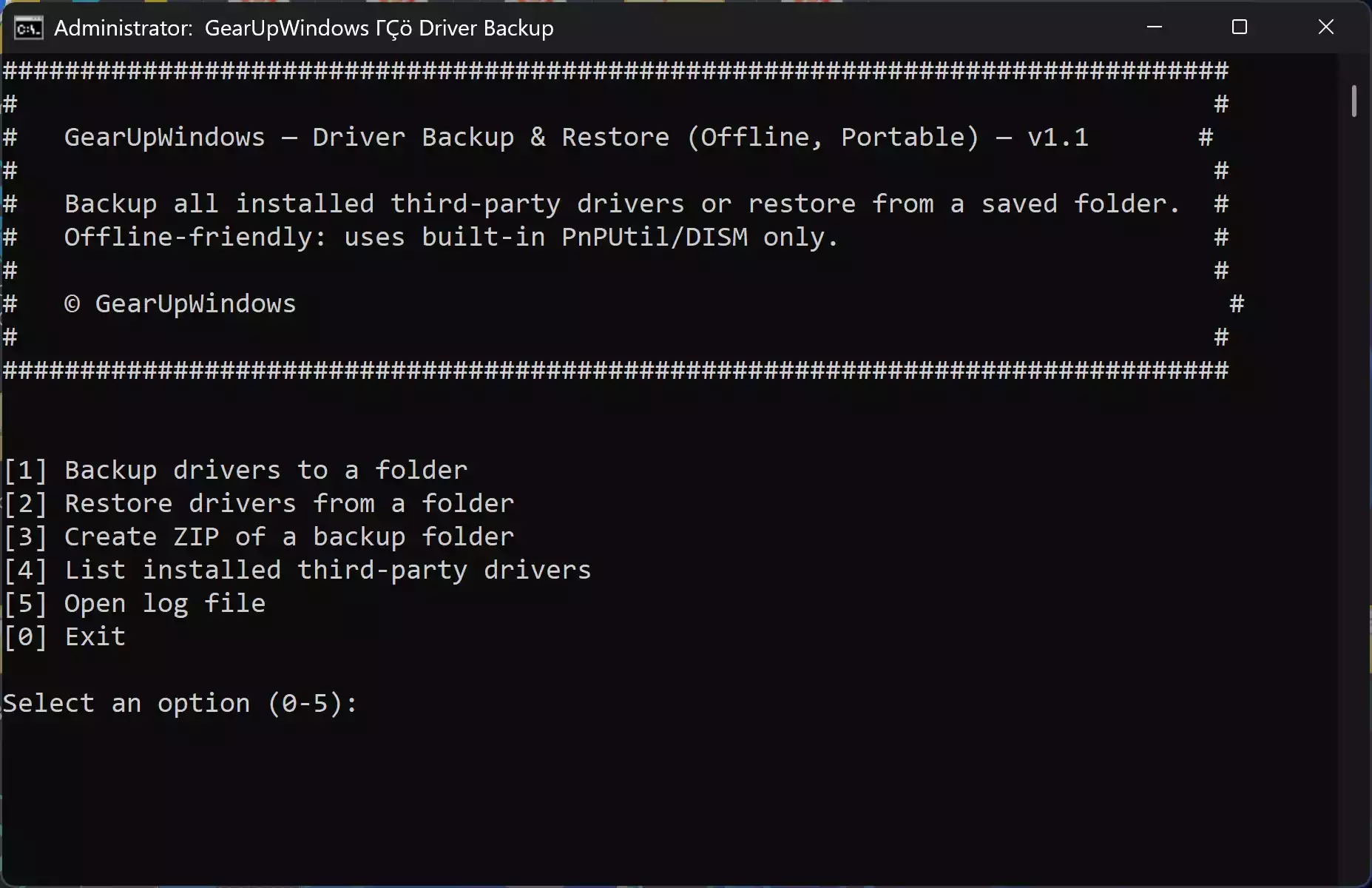
Driver Backup & Restore is a free and lightweight tool designed to back up all installed drivers on your Windows PC with just one click. Unlike traditional driver updaters that focus only on fetching the latest versions, this utility is perfect for creating a complete driver package that can be restored offline whenever needed. This makes it extremely useful after a fresh Windows installation, hardware upgrade, or system crash.
The program works without an internet connection during restore, so you don’t have to worry about network issues when recovering your drivers. It supports Windows 11 and 10, making it a handy companion to keep alongside other driver update tools like DriverMax.
12. Auslogics Driver Updater Free Version
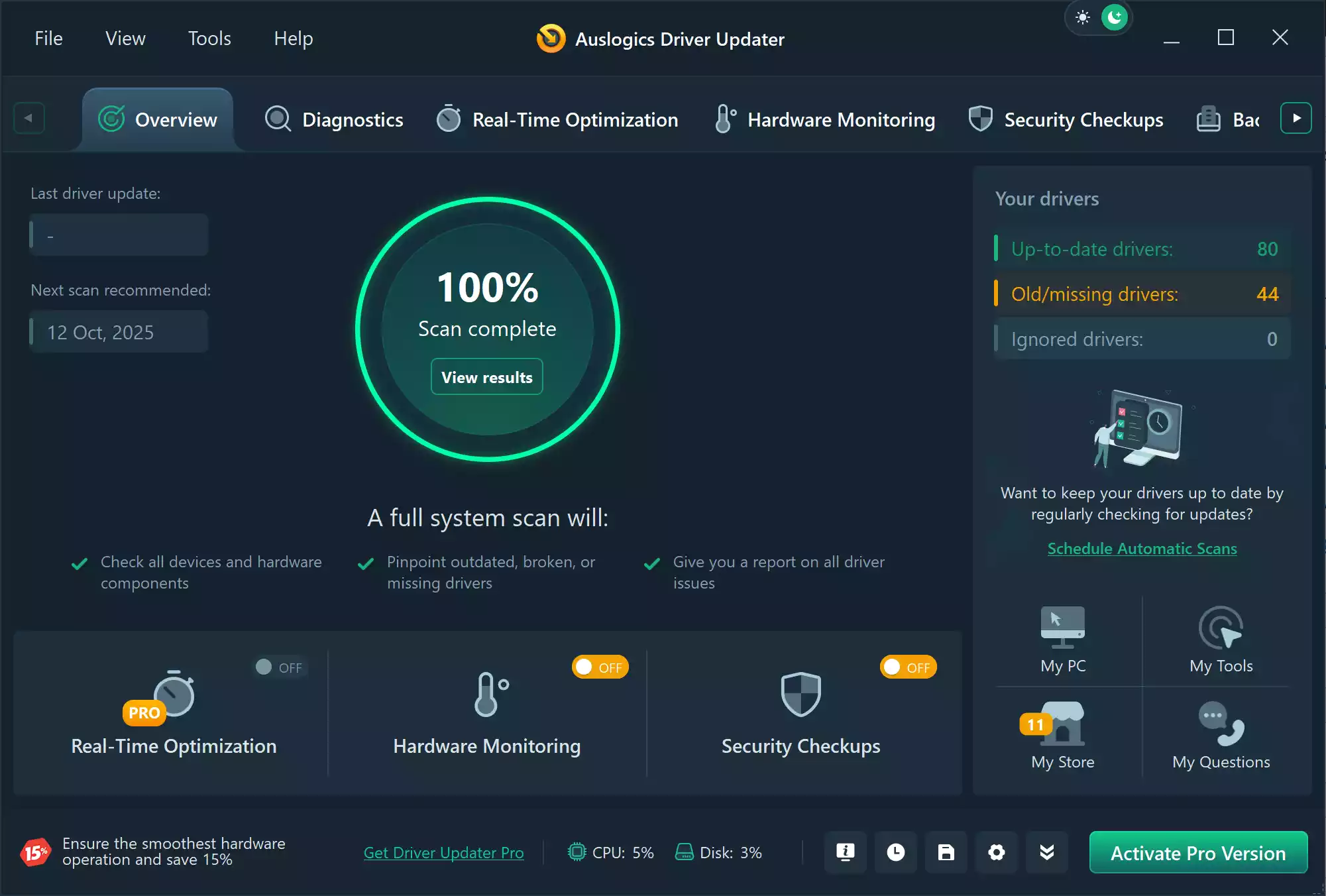
Auslogics Driver Updater Free is another excellent tool that simplifies the process of keeping your drivers up to date on Windows 11 and 10. The software scans your entire system, detects outdated or missing drivers, and lets you update them quickly. It also creates automatic backups before making any changes, so you can roll back if something goes wrong.
What makes Auslogics Driver Updater stand out is its user-friendly design and reliability. The free version allows you to update essential drivers and provides basic protection against compatibility issues. For beginners, it’s a safe way to ensure your system hardware is always running smoothly without the risk of manually searching and installing the wrong driver.
Frequently Asked Questions
Why is it important to keep drivers updated?
Updated drivers ensure your hardware functions properly, improve system stability, and can boost performance. They can also fix bugs and security vulnerabilities.
Can outdated drivers slow down my PC?
Yes, outdated drivers can cause performance drops, crashes, or hardware malfunctions, making your system slower and less reliable.
Are free driver updater tools safe?
Free tools from reputable developers are generally safe to use. Always download software from official websites to avoid malware or bundled software.
Do I need to update all drivers at once?
No, focus on essential drivers like graphics, chipset, and network drivers. Some updates may not be necessary unless they address a specific problem.
Conclusion
Keeping your Windows drivers up to date is essential for the smooth functioning of your system. Outdated or faulty drivers can cause performance issues, system crashes, and even hardware failure. Manual updating of drivers can be time-consuming, and that’s why using driver update software is an excellent option. The tools listed above can help you improve your system performance, ensure stability, and avoid hardware failures without the hassle of manual updates.